A creative workflow that feels like film.
You direct the cut — or AI helps you direct it from the same mix, lyrics, and world. Veyra Studio is built for velocity without losing taste: explore a range, lock a look, and ship reviewable stills + video — including subtitled and clean masters for music videos and lyric-led storytelling.
Plenty of AI video apps take a line of text and vanish into a black box. Veyra is for when the film has to match the song: a deliberate Video Plan with 12 gated stages — from song read and world lock through acts, locations, scaffold, per-shot briefs, filming style, and generation — so you steer the journey. When AI drafts a stage, that output is yours to edit, regenerate, or replace before you lock it; nothing ships until you approve it.
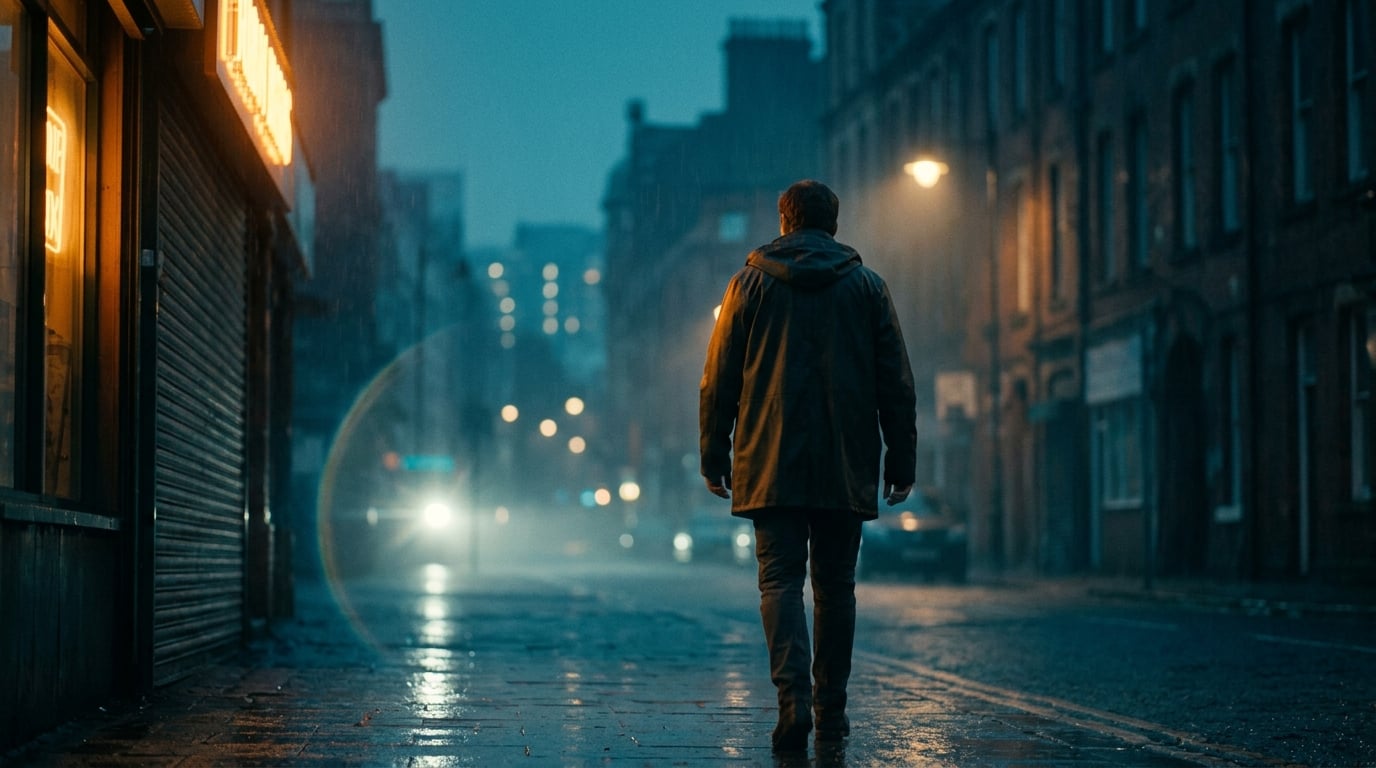
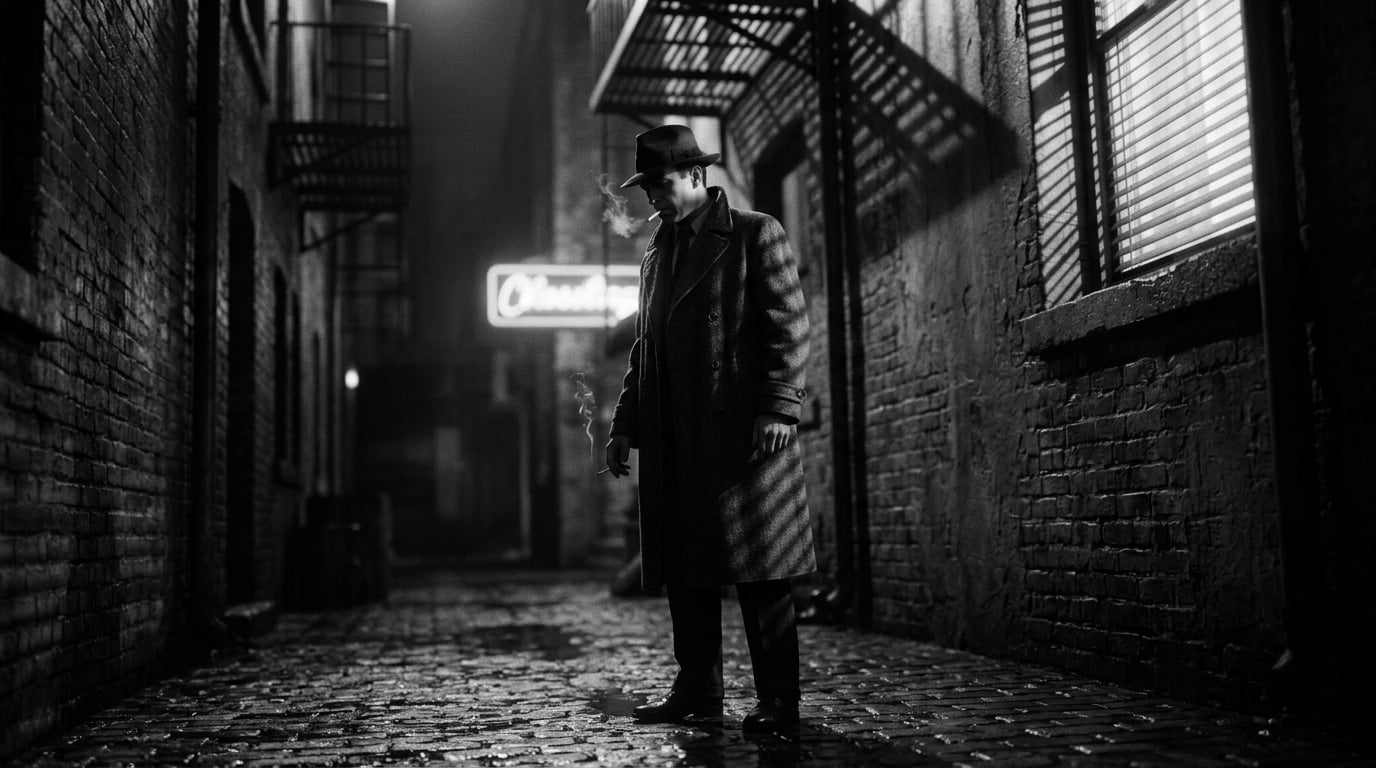

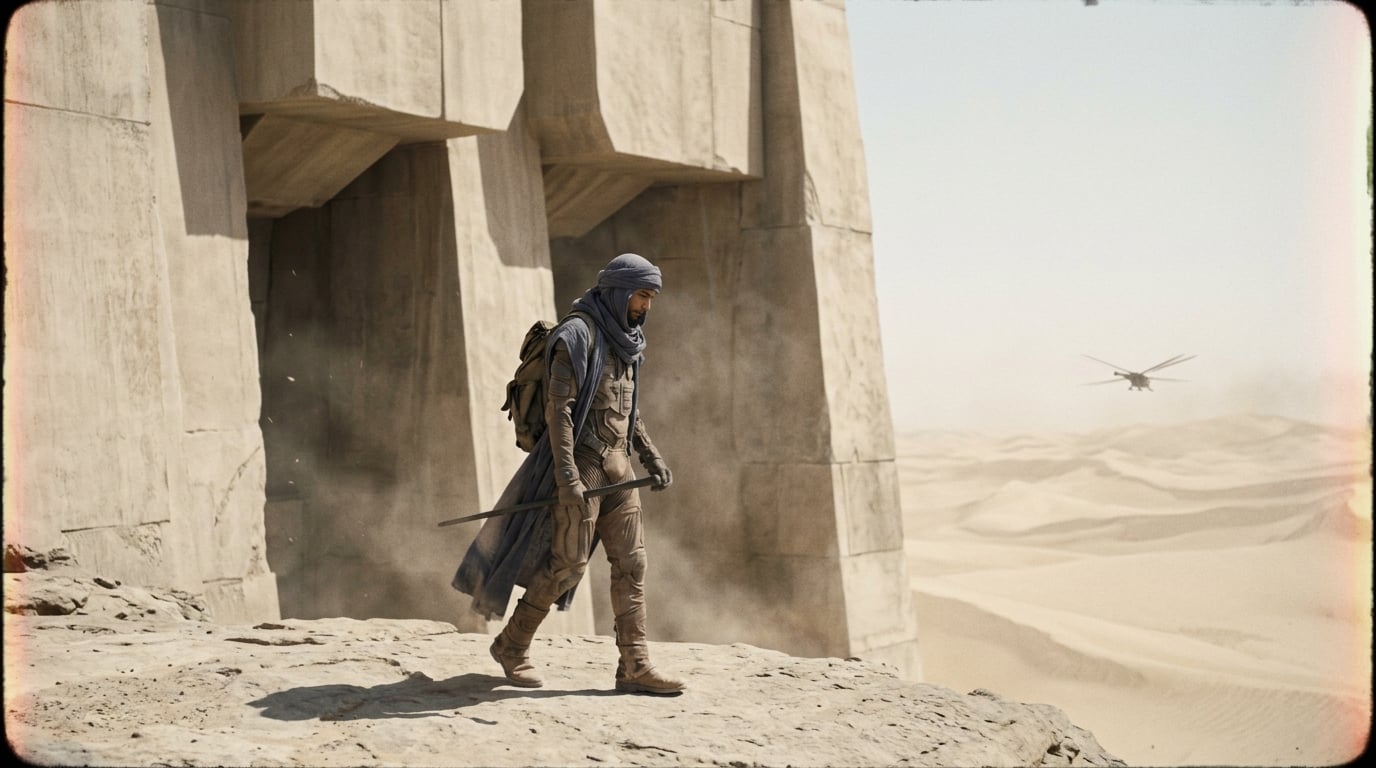

You direct it — AI helps you direct it.
Same Project Plan and timeline either way: go deep on environment, concept, acts, locations, scaffold, and per-shot briefs — or let the model draft that stack from your audio, lyrics, and world image, then approve and iterate. Wing the first pass or micromanage every lock — your call.
Unlike one-line “AI video” tools, Plenty of AI video apps take a line of text and vanish into a black box. Veyra is for when the film has to match the song: a deliberate Video Plan with 12 gated stages — from song read and world lock through acts, locations, scaffold, per-shot briefs, filming style, and generation — so you steer the journey. When AI drafts a stage, that output is yours to edit, regenerate, or replace before you lock it; nothing ships until you approve it.
The same control applies to camera grammar on every shot: framing, camera angle, movement, focal-length class, rig, depth of field, and where the camera sits in the space — with one global filming style so the whole sequence still reads as one film, not random prompts.
One pipeline — you choose how hard to steer
It drafts — you steer with approvals
The model proposes song read, world prompt, treatment, acts, locations, scaffold, and per-shot briefs from what it hears and sees — you gate and refine. Momentum first; polish when you are ready.
- Fast coherence from audio + lyrics + world seed
- AI proposes each stage; you change any line before locking — not a single mystery output
- Easy to tighten later without redoing the whole pipeline
Your taste, every step
Rewrite any draft — environment through filming style — line by line. Same AI assist on tap when you want a fresh pass, but you decide what ships; locks keep the look from drifting.
- Full creative control across all 12 Project Plan stages — not one prompt box pretending to read your mind
- Explicit locks so the look cannot drift mid-project
- Ideal when the vision is specific and every frame counts
Both modes feed the same beat-synced timeline and exports — pick AI-assisted drafts for speed, full manual direction for precision, or blend across phases. See the full workflow →
Other AI video products often stop at “describe the video.” Veyra walks 12 gated stages so you approve structure before pixels: song read, world, concept, acts, locations, scaffold, prompts, style, generate — each one editable before lock.
- AI proposes; you rewrite or regenerate until it matches your taste
- Nothing ships until you lock a stage — no black-box surprise renders
- Same pipeline whether you rush approvals or micromanage every line
Establish a cohesive look and keep it consistent across shots.
- Visual identity across scenes
- Faster approvals with fewer surprises
- Build libraries of reusable looks
Explore options quickly, then converge on the frames that read best.
- Generate candidates and curate winners
- Refine composition, lighting, and mood
- Keep story beats readable and intentional
Bring your results into decks and reviews without extra cleanup.
- Deck-ready visuals for pitches and greenlights
- Clear references for teams and collaborators
- Repeatable process your team can learn
Filming styles are only the umbrella. Each shot can also specify focal length (lens class), rig, depth of field, movement, and where the camera stands in the set — the same vocabulary the app uses in the shot scaffold. Read the full breakdown: art direction on the home page →
A quick walkthrough (real screen capture)
Beat-matched workspace capture: stills + storyboard grid, tied to the same project timeline.
Real interface — structure, lyrics, and the cut
Screenshots mirror the shipped product (same PNGs synced into the web user guide): planner, timeline, lyrics, gallery, and generate — readable on mobile too.
Reference lyric matching — cleared words, line by line
Transcription is fast — ad-libs, alternate takes, and the odd mishear can still drift from the lyrics you cleared with the artist. Paste your approved reference copy; Veyra compares it to every timed line. Matches get a green check; when there's a concrete fix, the row can surface the expected wording with Apply to line (or a two-line split) and a warning on that row so subtitles, prompts, and director notes stay on the same text.
- Catch small word swaps (“a void” vs “the void”) before they propagate into exports and decks
- Review burned-in lyric cuts with confidence — fewer last-minute text surprises in label or artist rounds
- Keep treatments and shot language aligned with wording that legal and publishing actually signed off
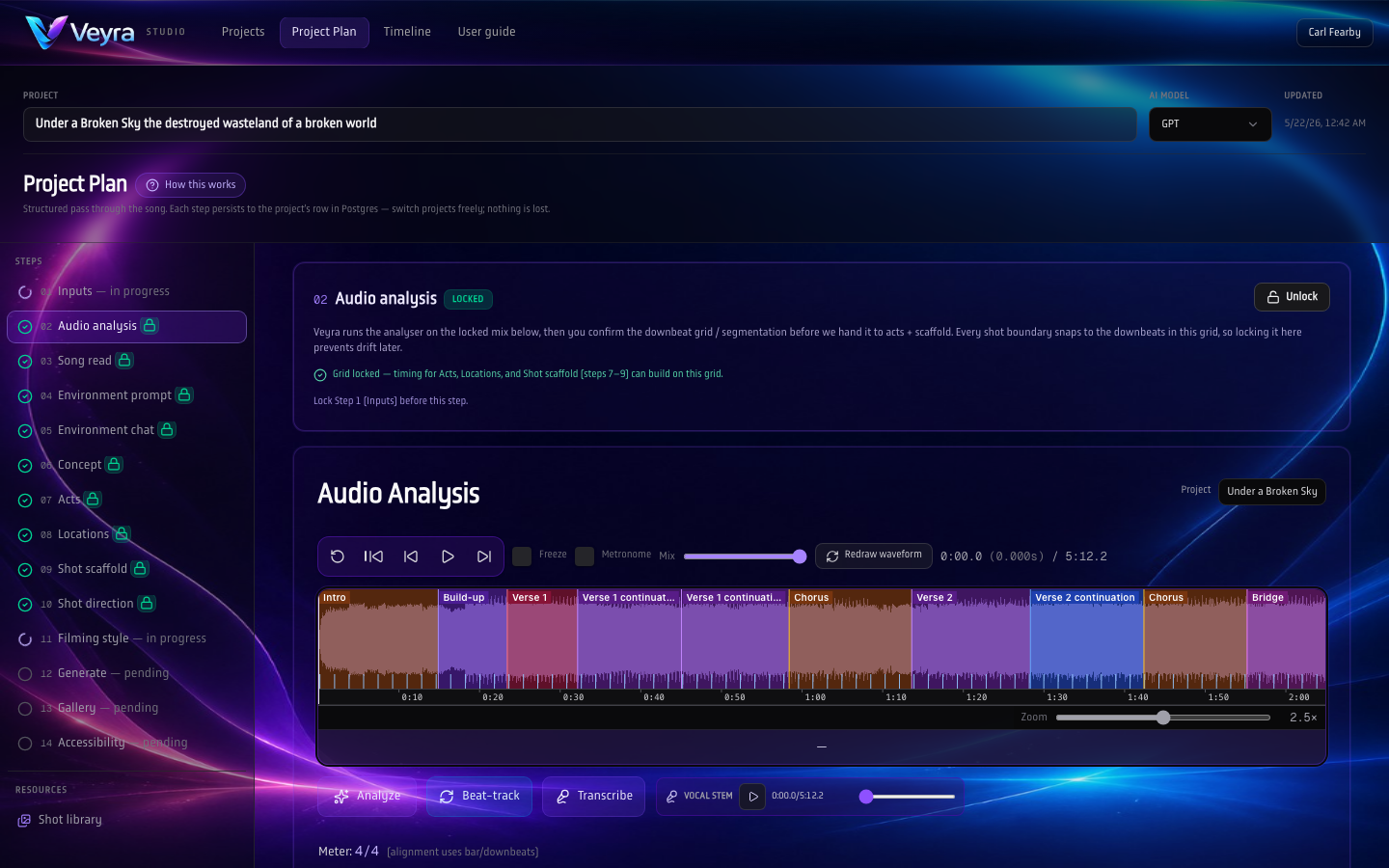
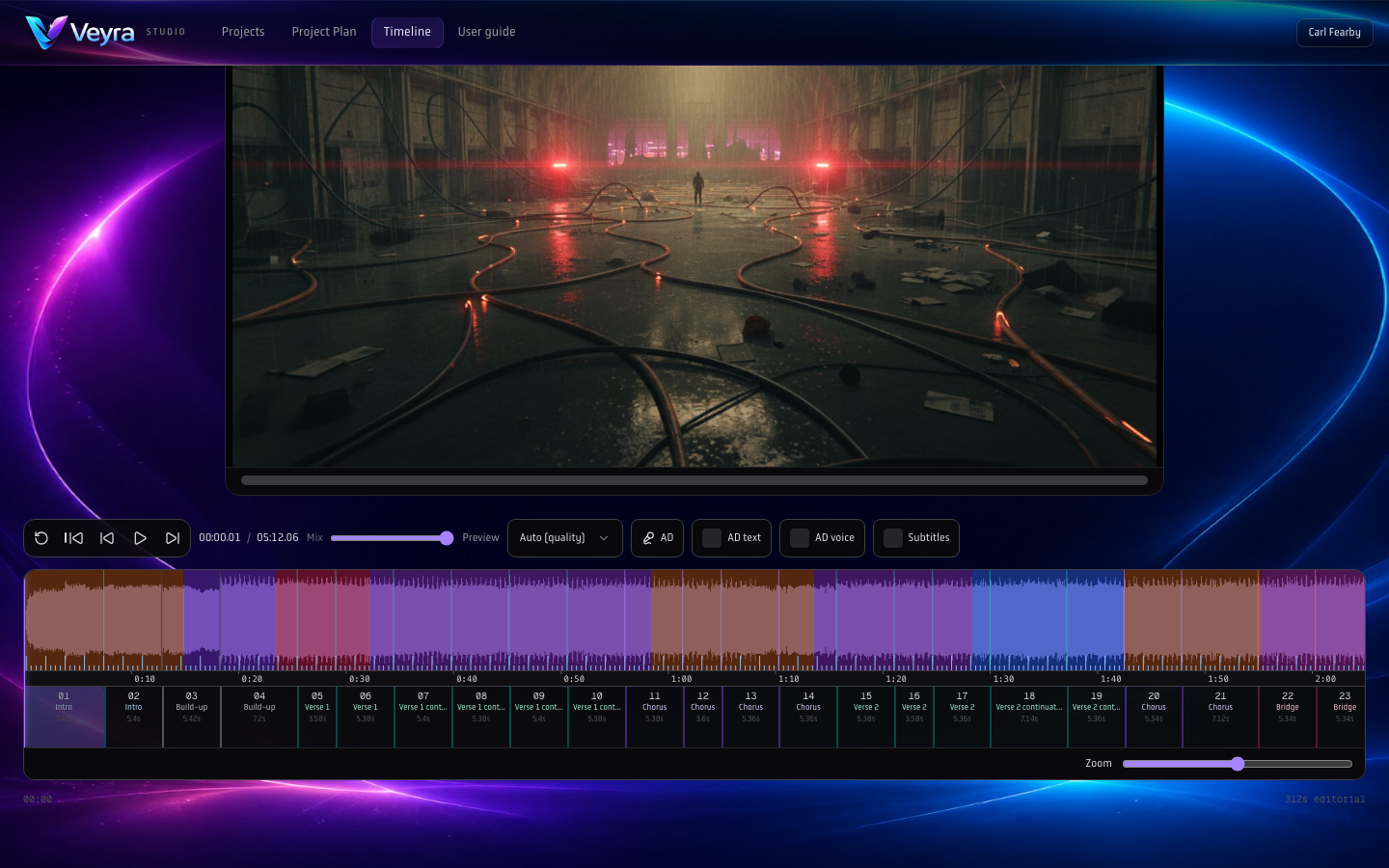
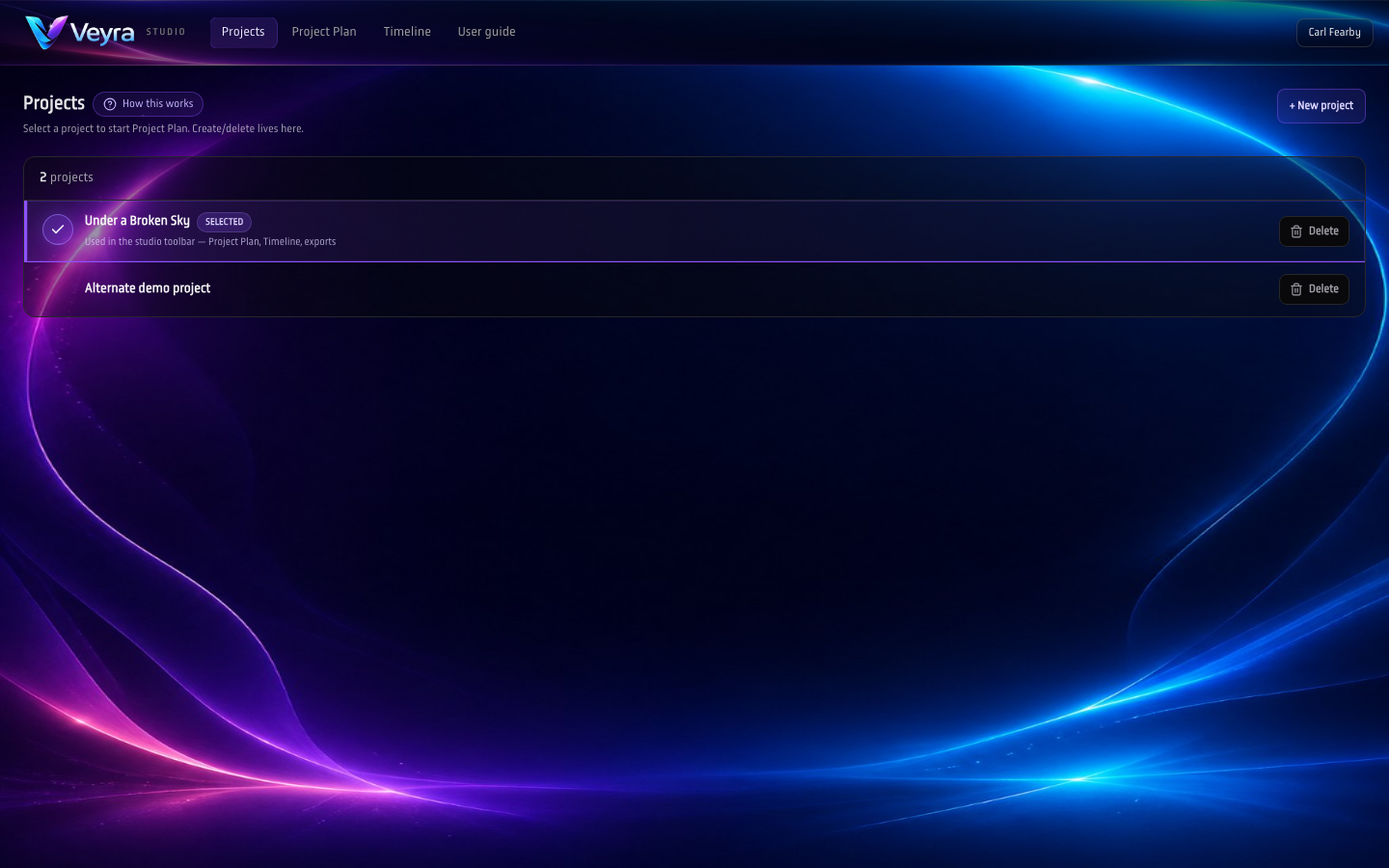
One hub per creative: open the timeline or step through the multi-stage planner without leaving the workspace.
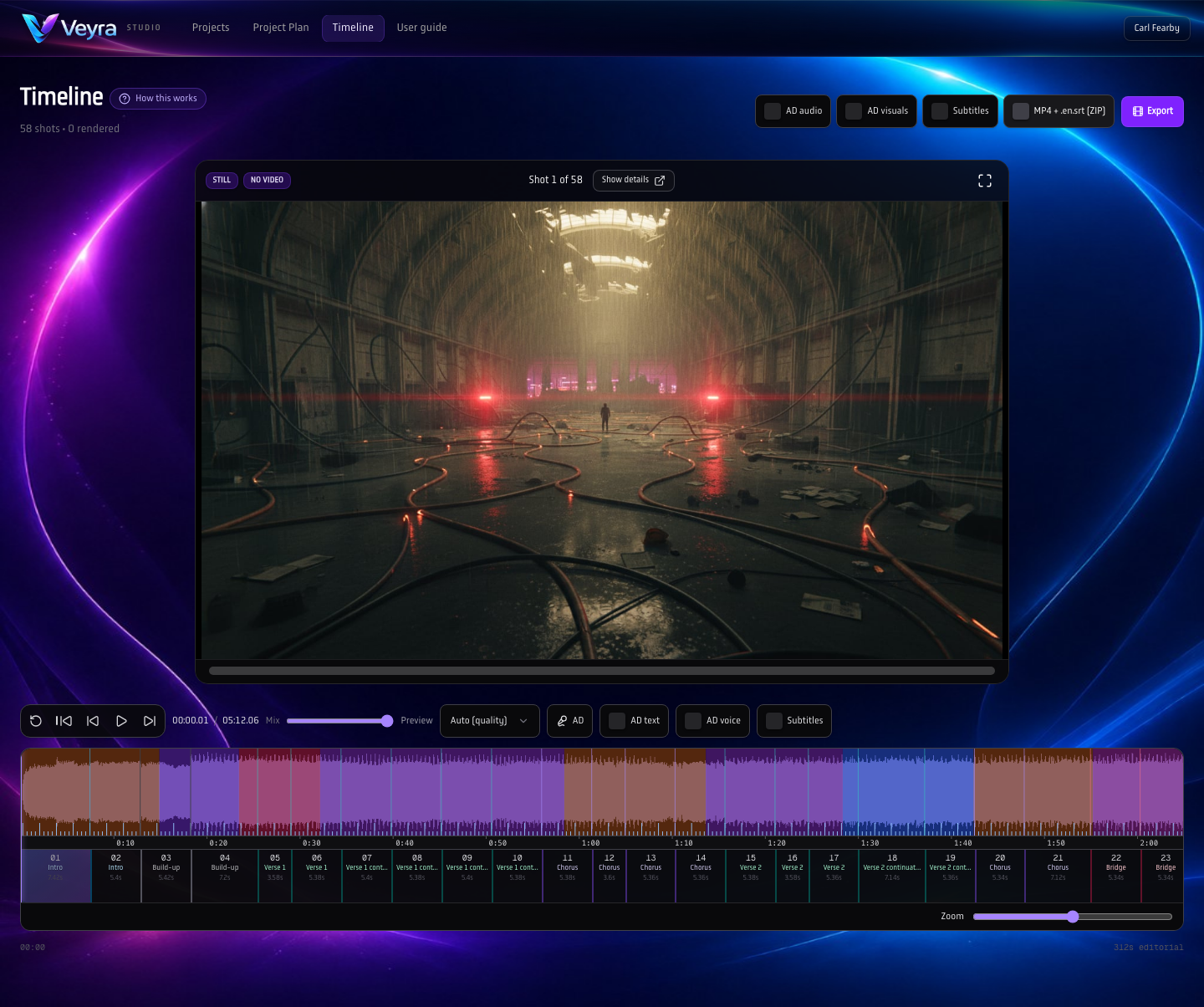
Waveform, section colour, ruler, shot rail, and karaoke-style lyric rows share one clock — the same rhythm you cleared in audio analysis.
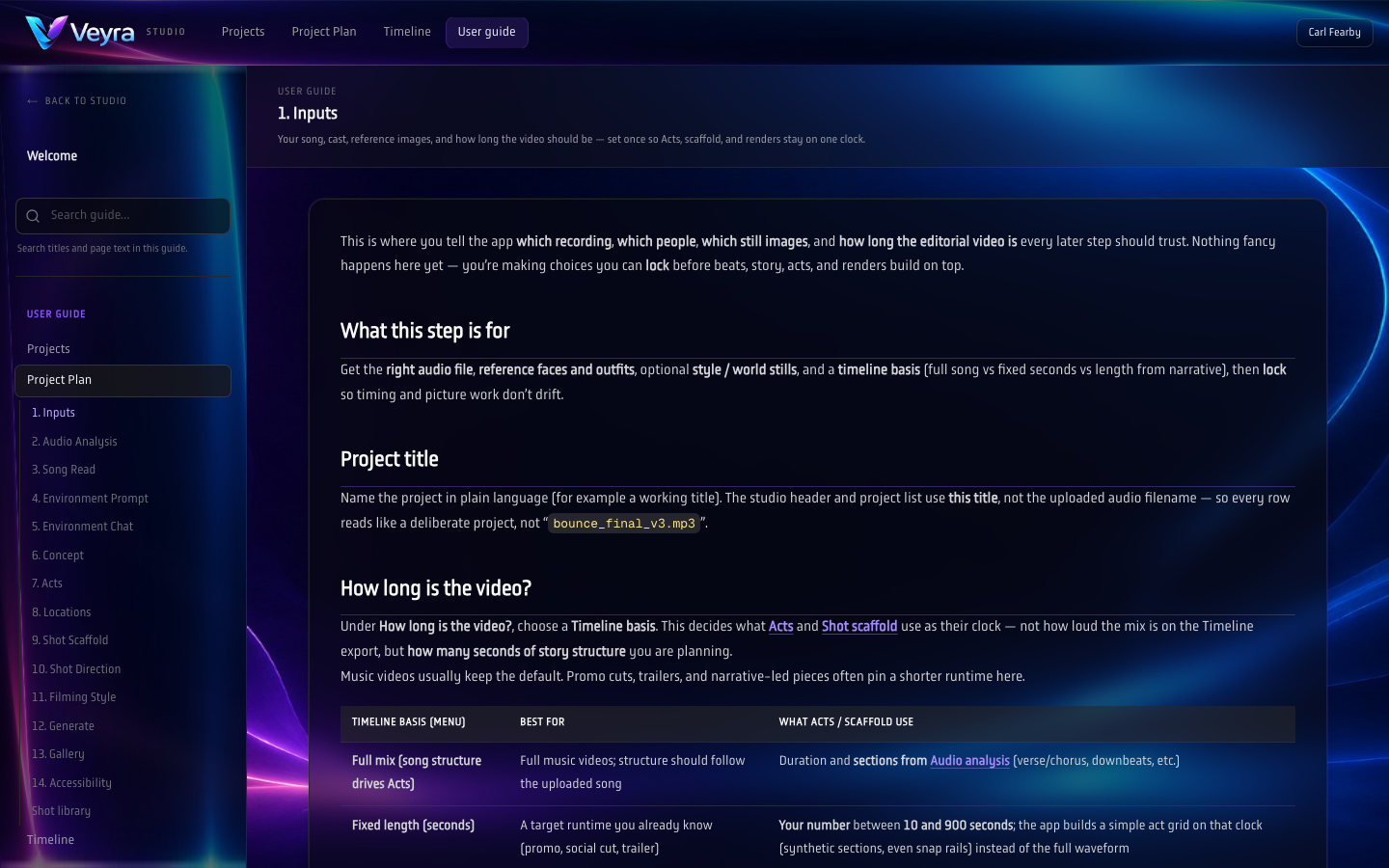
Lock the mastering pass, BPM, lyric sheet, references, then walk Project Plan stage-by-stage — not a single black-box prompt.
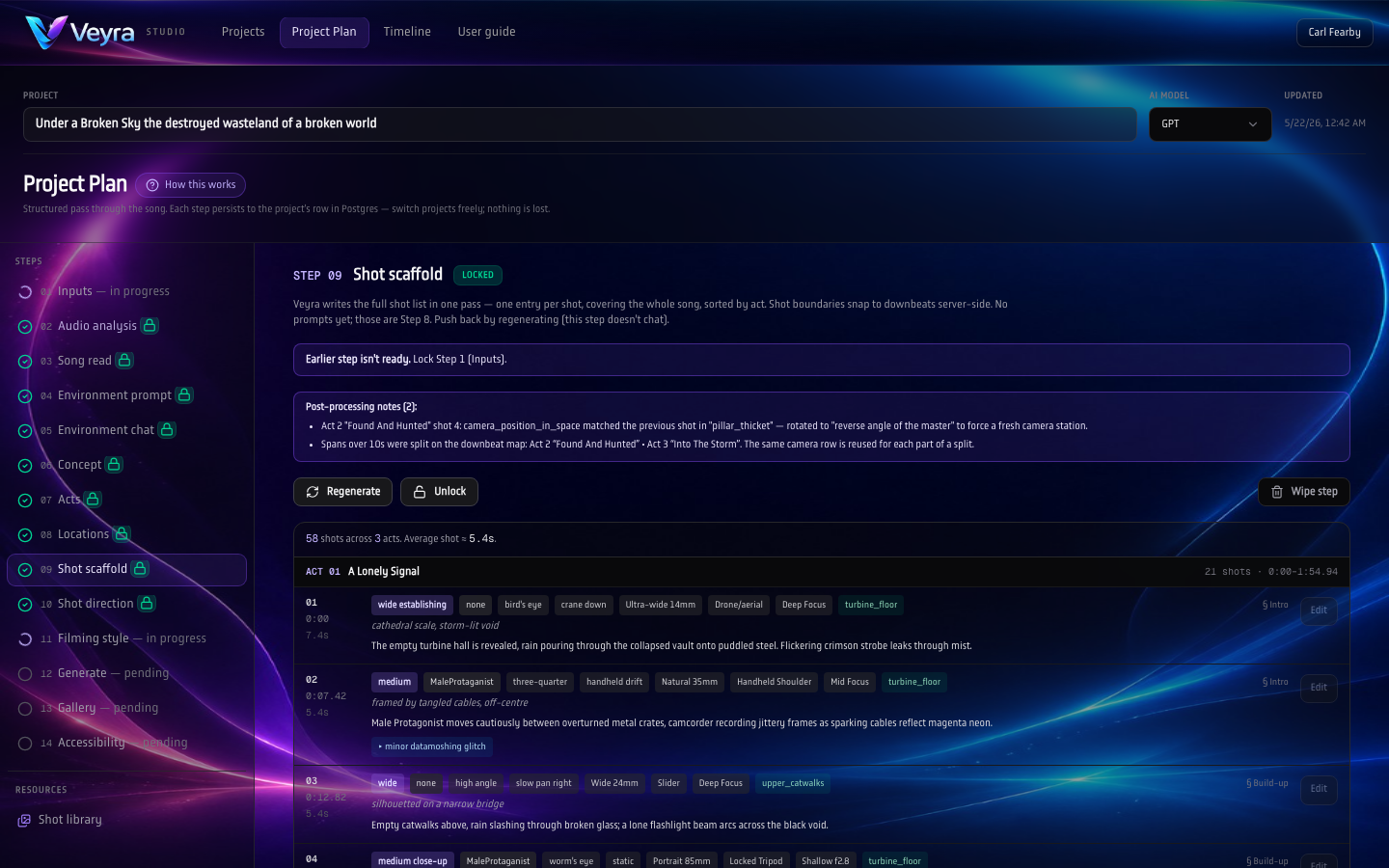
Song sections and scaffolding turn structure into actionable rows before prompts and renders spend credits.
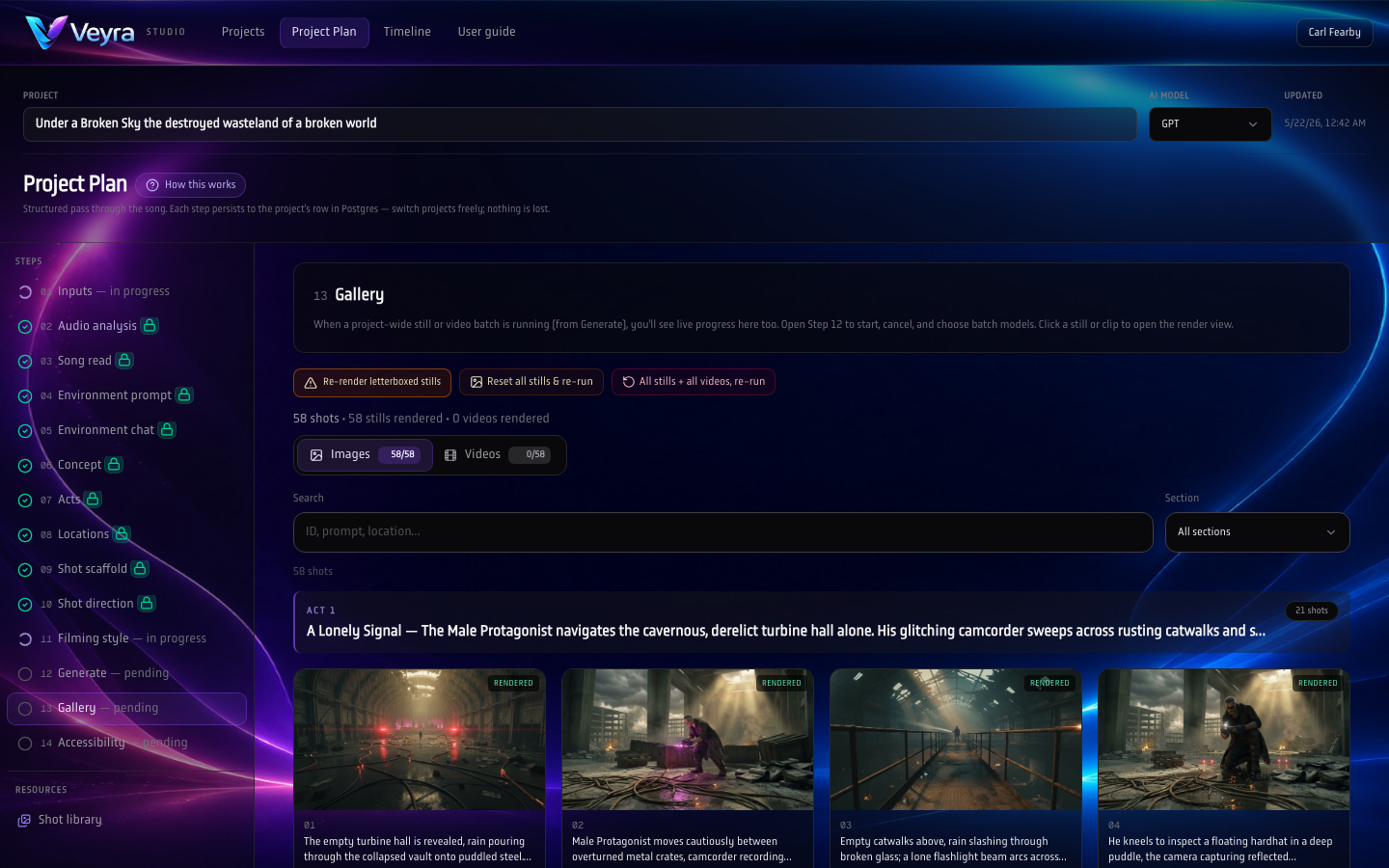
Pick winners across generated stills/clips without losing tie-back to scaffold rows and timings.
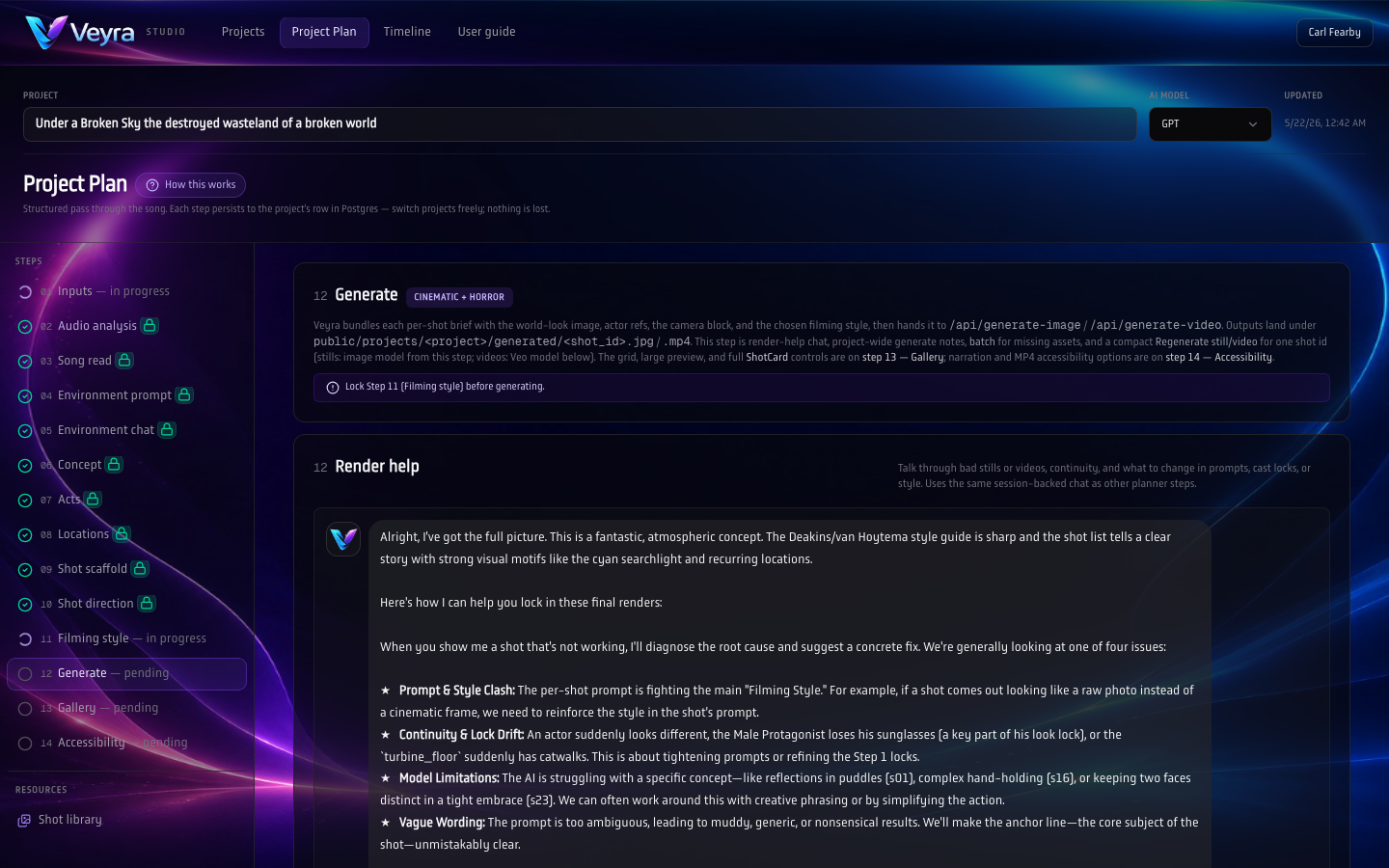
Batch renders from prompts and locked style vocabulary, still inside the plan you approved upstream.
Build the sequence, not just the stills
Veyra is built around a timeline-first mindset: shots sit in time, edits have intent, and every frame is accountable to the beat you’re cutting to.
- Arrange shots on a timeline with clear beats and pacing
- Compare candidates side-by-side against the same moment
- Keep continuity across a sequence (look, blocking, mood)
- Export still + video versions — with subtitles and without subtitles
- Export reviewable sets for decks, boards, and team sign-off
“We paint the night in neon bruises…”
…then Veyra turns lyrical motifs into visual direction: palette, lensing, and shot grammar that stays coherent across the cut.
Best-match audio, lyrics, and breakdowns
Drop in a track (or a shortlist). Veyra helps you pick what actually fits the scene, then uses the song’s structure and language to steer visuals with taste.
Score candidates against mood, tempo, and sonic texture — not just “genre tags”.
Turn vocals into editable text aligned to the timeline so creative decisions stay grounded.
Paste cleared / publishing lyrics as the source of truth — compare every timed line to transcription and use Apply or split when the app suggests a fix.
Sectioning, intensity, dynamics, and key moments — useful for pacing shots and transitions.
Expand motifs into scene ideas, shot prompts, and narrative beats you can refine (not replace).
Translate metaphor and tone into look references you can lock — then keep consistent across shots.
Build a believable MV arc to the track — from chorus hits to intimate verses — before you commit budget.
Ship subtitled review cuts for fast alignment, then swap to clean masters for finishing.
Line up choreography, camera grammar, and shot changes against lyrics and sonic peaks.
Export coherent still + video bundles for promo beats, covers, and rollout moments.
Built for lyric-led cuts — fast, reviewable, exportable
Whether you’re pitching a treatment, blocking a performance, or aligning a team around a single track, Veyra helps you move from audio → story → visuals without losing the thread.
- Cut to the beat with timeline-native pacing
- Iterate performance moments against the same lyric lines
- Keep a consistent look across the whole MV arc
- Share “almost-final” cuts for feedback before production spend
A polished master without burned-in lyrics — for colour, VFX, and final finishing.
Lyric-forward review cuts with subtitles baked in — perfect for label/artist feedback and fast approvals.
Keyframe stills for boards, single covers, socials, and shot planning across the track.
Export coherent “packs” so everyone is looking at the same moments — stills and motion, with and without subtitles.
Visuals that sell the story
Whether you’re pitching, planning, or aligning a team, the goal is the same: make the vision obvious. Veyra helps you create images that communicate tone, scope, and intent immediately.
From treatment to timeline: lyric-aware direction, stills, and cuts you can review fast.
Iterate typography-forward looks and motion — with and without burned-in lyrics.
Ship consistent packs across formats while keeping the same sonic + visual identity.
Make stakeholders feel the track instantly — stills, motion, and subtitle variants included.
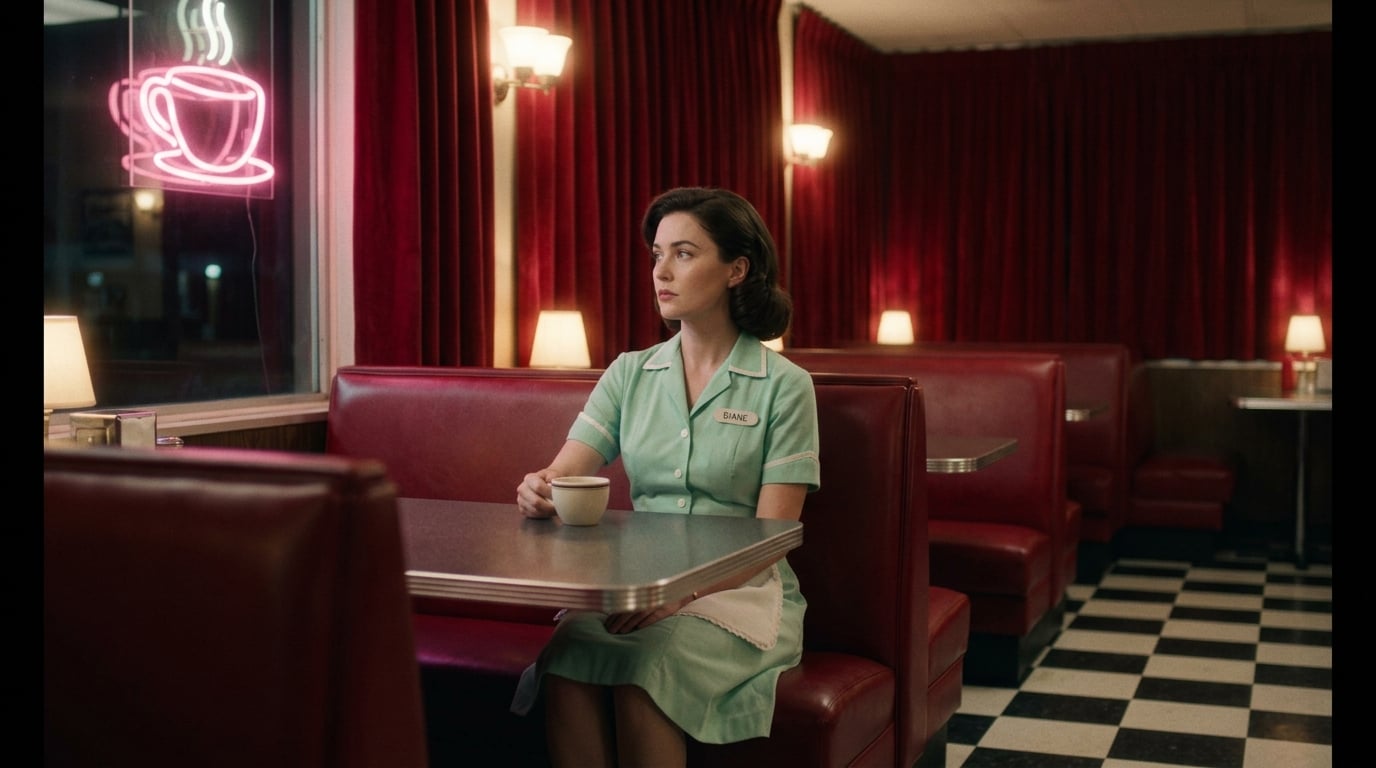
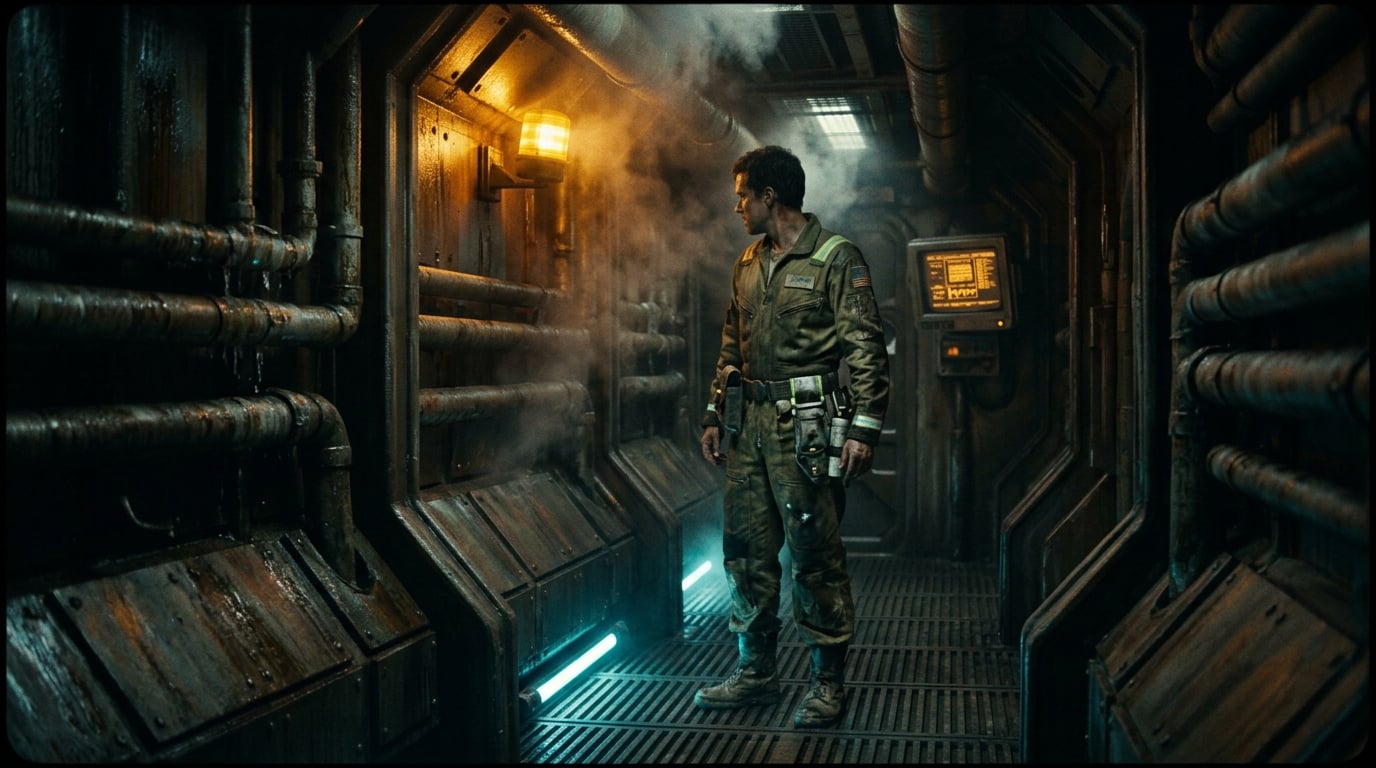

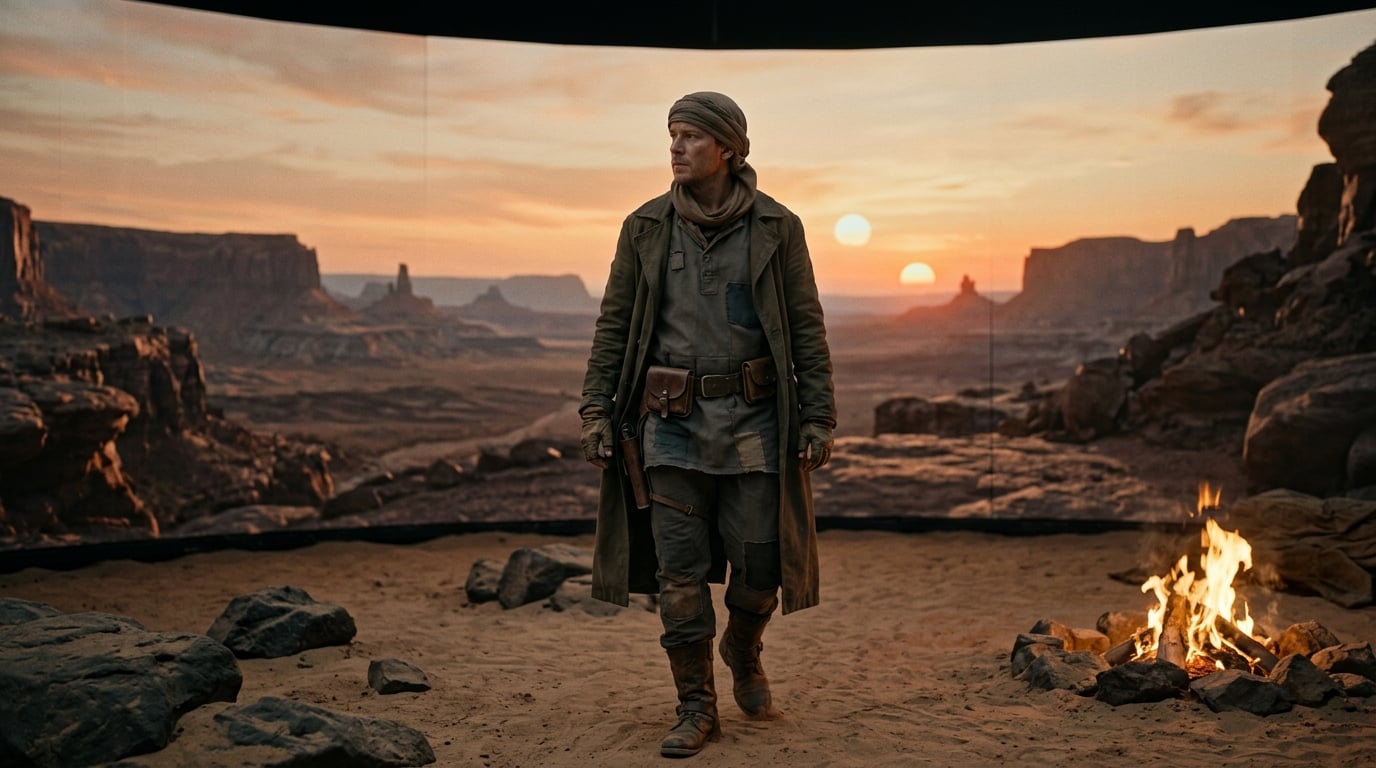
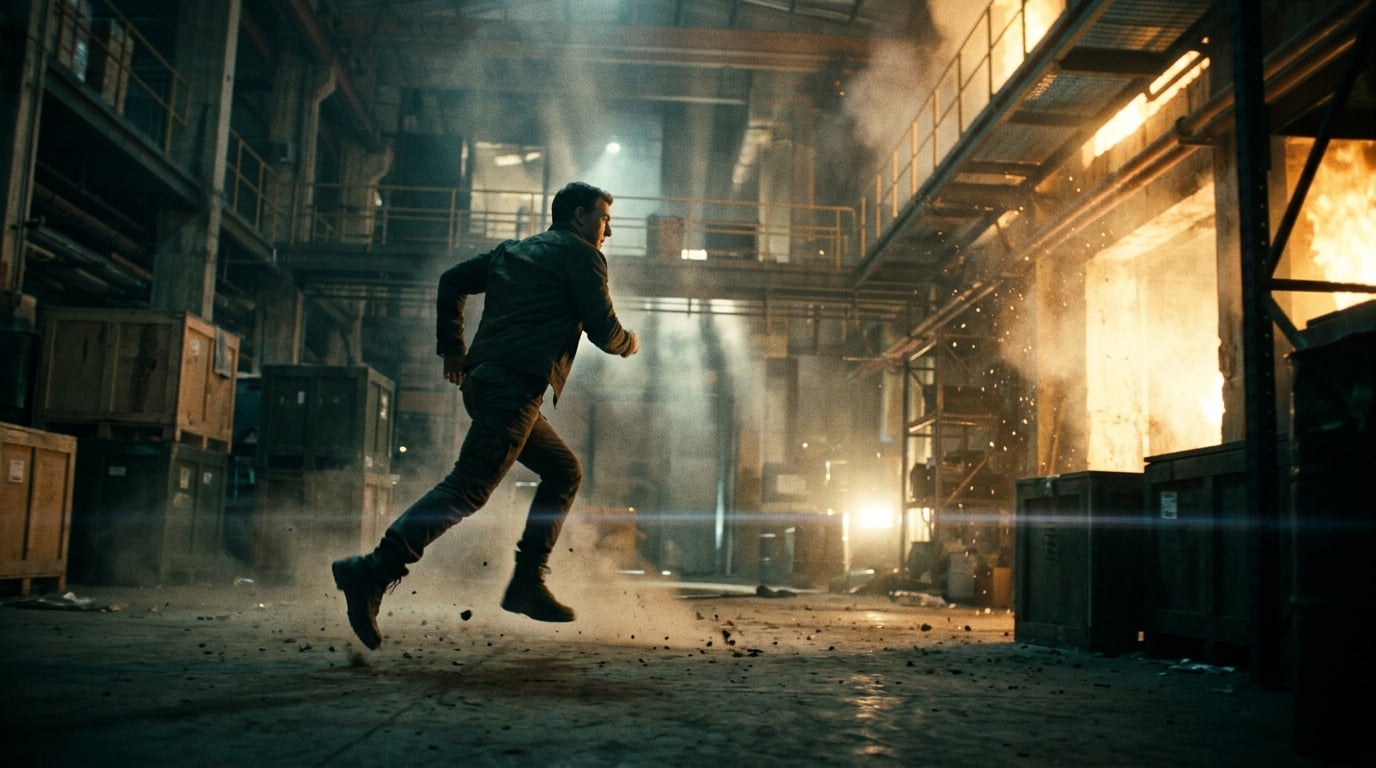
Veyra vs prompt tools vs editors
Prompt tools are great for single outputs. Editors are great for final assembly. Veyra sits in the middle: direction, iteration, and review-ready deliverables on a timeline.
Want a guided walkthrough?
Book a demo and we’ll map Veyra Studio to your team’s workflow.