Music videos, beat sync, filmmakers, and studios
Sell the vision before you shoot.
Veyra Studio is an AI-native creative workspace for timeline-first planning, audio + lyric intelligence, and export-ready stills + video. It’s especially suited to brilliant music videos and promos: shots stay synced to the music and beats on the timeline, you can land avatar-style performance shots that are lip-synced to the track, and you still get style exploration for the look. Render with subtitles and without subtitles for lyric-forward reviews and clean masters. Not a one-box prompt tool — a 12-stage Video Plan where you stay in charge.
- You direct — or AI drafts the plan from your track; same pipeline either way
- Music videos: beat sync & song structure on the timeline
- Avatar / performance shots with lip sync to audio
- Still + video renders (clean + subtitled) — see Emberlyn on YouTube for shipping examples built in Veyra
- Best-match audio + transcribed lyrics, with reference lyric matching against your cleared copy
- Full audio analysis breakdown
- Not a one-box prompt tool — a 12-stage Video Plan where you stay in charge. How we differ →
You direct it — AI helps you direct it.
Same Project Plan and timeline either way: go deep on environment, concept, acts, locations, scaffold, and per-shot briefs — or let the model draft that stack from your audio, lyrics, and world image, then approve and iterate. Wing the first pass or micromanage every lock — your call.
Unlike one-line “AI video” tools, Plenty of AI video apps take a line of text and vanish into a black box. Veyra is for when the film has to match the song: a deliberate Video Plan with 12 gated stages — from song read and world lock through acts, locations, scaffold, per-shot briefs, filming style, and generation — so you steer the journey. When AI drafts a stage, that output is yours to edit, regenerate, or replace before you lock it; nothing ships until you approve it.
The same control applies to camera grammar on every shot: framing, camera angle, movement, focal-length class, rig, depth of field, and where the camera sits in the space — with one global filming style so the whole sequence still reads as one film, not random prompts.
One pipeline — you choose how hard to steer
It drafts — you steer with approvals
The model proposes song read, world prompt, treatment, acts, locations, scaffold, and per-shot briefs from what it hears and sees — you gate and refine. Momentum first; polish when you are ready.
- Fast coherence from audio + lyrics + world seed
- AI proposes each stage; you change any line before locking — not a single mystery output
- Easy to tighten later without redoing the whole pipeline
Your taste, every step
Rewrite any draft — environment through filming style — line by line. Same AI assist on tap when you want a fresh pass, but you decide what ships; locks keep the look from drifting.
- Full creative control across all 12 Project Plan stages — not one prompt box pretending to read your mind
- Explicit locks so the look cannot drift mid-project
- Ideal when the vision is specific and every frame counts
Both modes feed the same beat-synced timeline and exports — pick AI-assisted drafts for speed, full manual direction for precision, or blend across phases. See the full workflow →
Less UI. More direction.
Creative work isn’t a dashboard. Veyra is designed to feel like an atelier: direction-first, visual, and fast to iterate.
Define a visual language once, then keep it coherent across shots — so your sequence reads like one film. That takes more than a single prompt box: every Video Plan stage is yours to edit before lock, unlike one-shot AI video tools that guess once and leave you stuck.
Explore options, pick winners, refine. Move from concept to approved frames without tool-hopping.
Ship stills that work in pitch decks, storyboards, and internal reviews—so decisions happen earlier.
Fewer tools. Faster approvals.
Veyra compresses pre-production into one place: plan the cut, iterate looks, generate stills/clips, and export review packs without re-syncing your timeline or rebuilding context in five different tools.
- “Prompt-only” AI video apps that never quite match the brief
- Prompt threads + docs + spreadsheet shot lists
- Manual beat/timing rework every revision
- Separate subtitle pipeline for review cuts
- Approval feedback scattered across versions
- Timeline-first planning tied to the audio
- Still + video generation in one workflow
- Clean + subtitled exports in the same render path
- Review packs that keep teams aligned
Keep one project brain instead of re-explaining context.
Export packs everyone can review in minutes, not hours.
Costs map to real compute, especially video generation.
What directors see in Studio
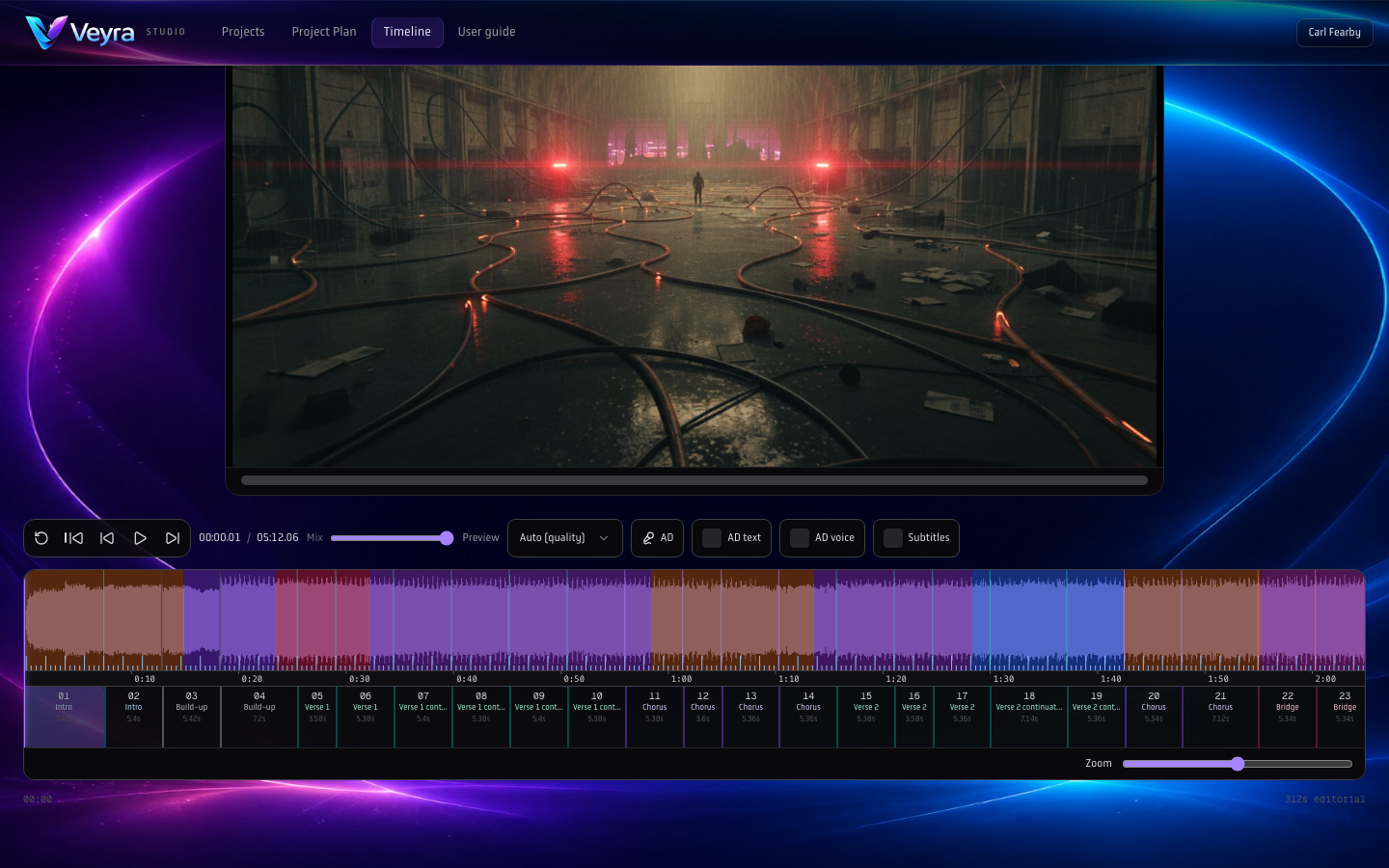
These stills match the synced user-guide screenshots — planner, timeline, and gallery captured from the shipping UI.
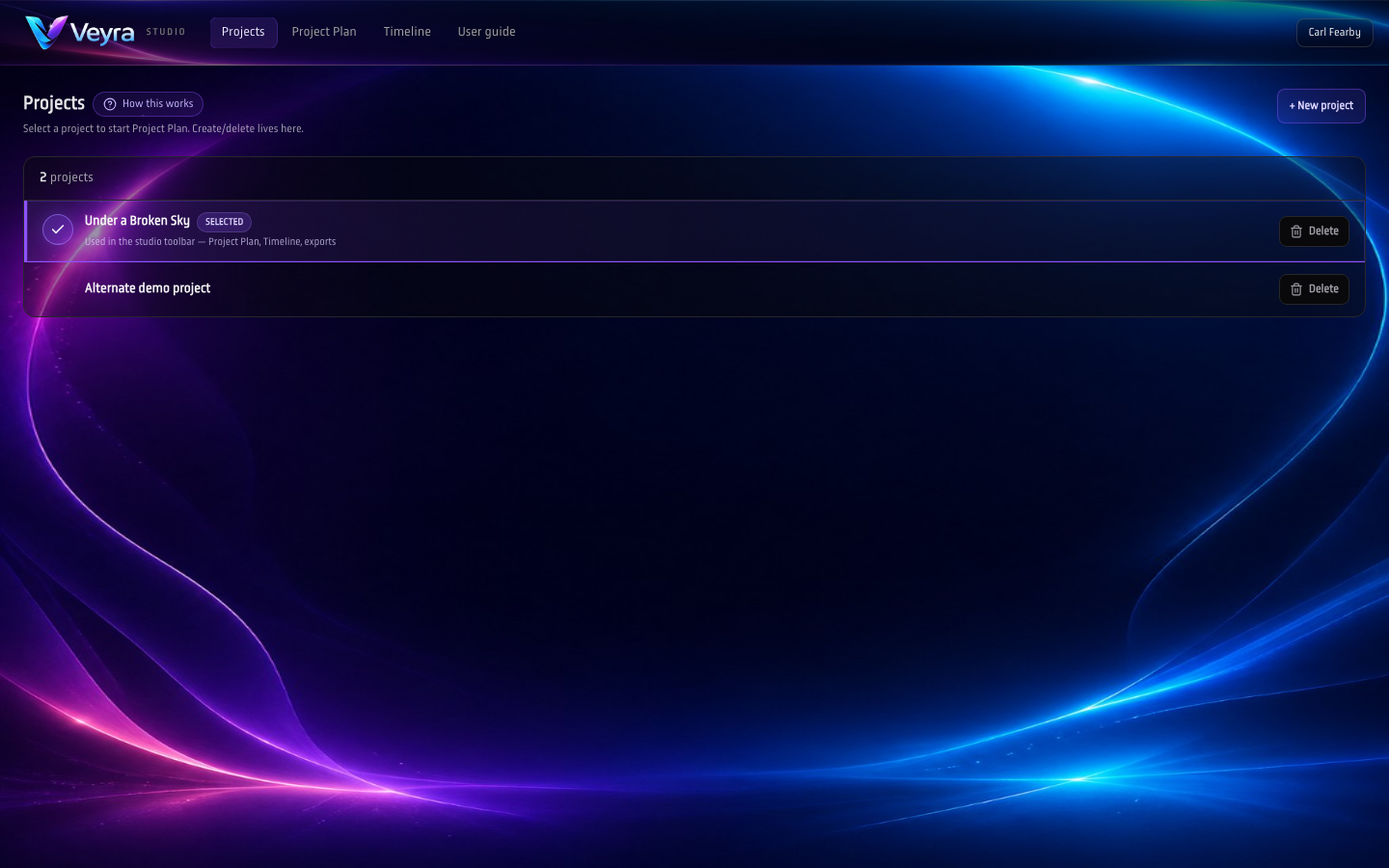
One hub per creative: open the timeline or step through the multi-stage planner without leaving the workspace.
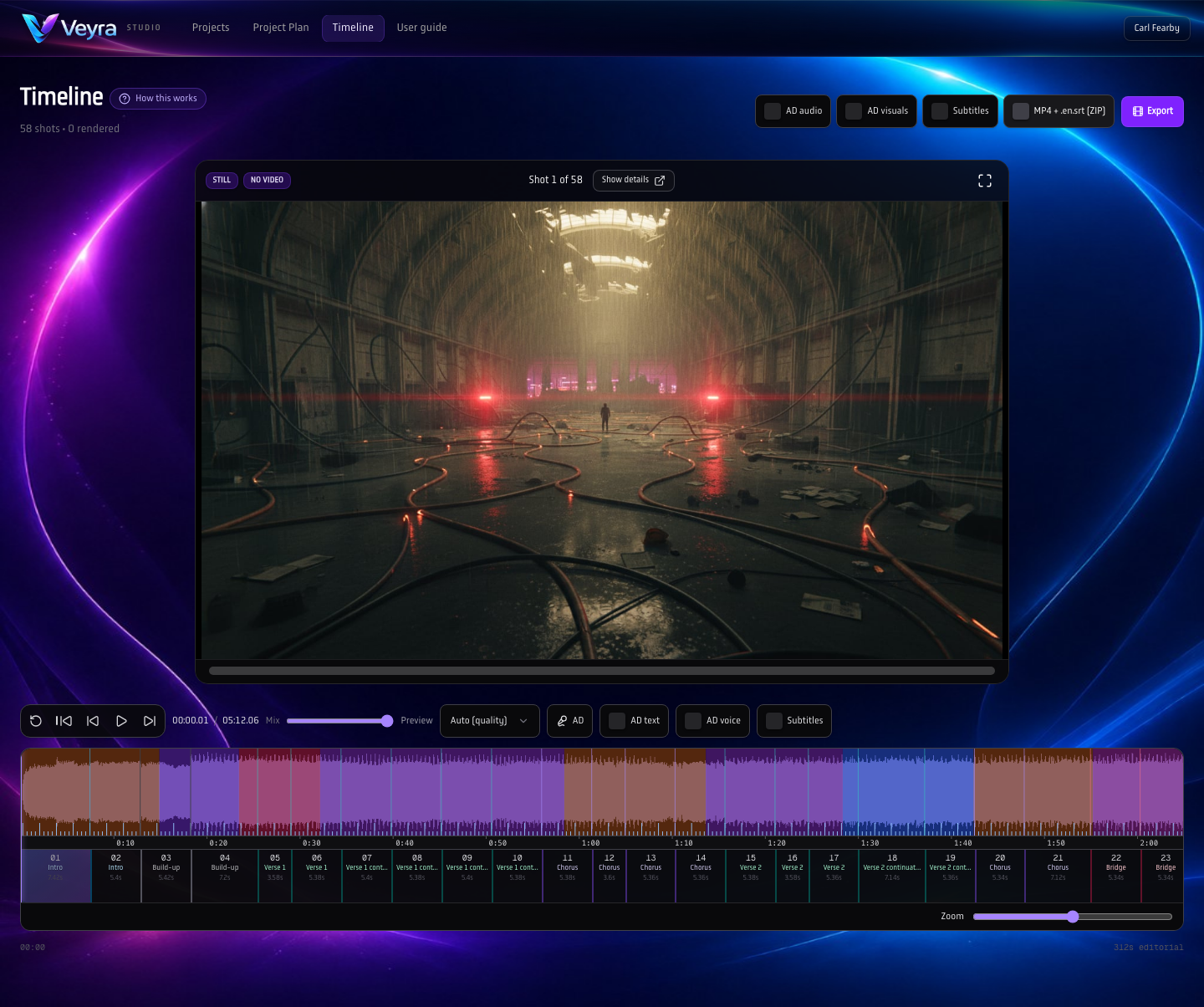
Waveform, section colour, ruler, shot rail, and karaoke-style lyric rows share one clock — the same rhythm you cleared in audio analysis.
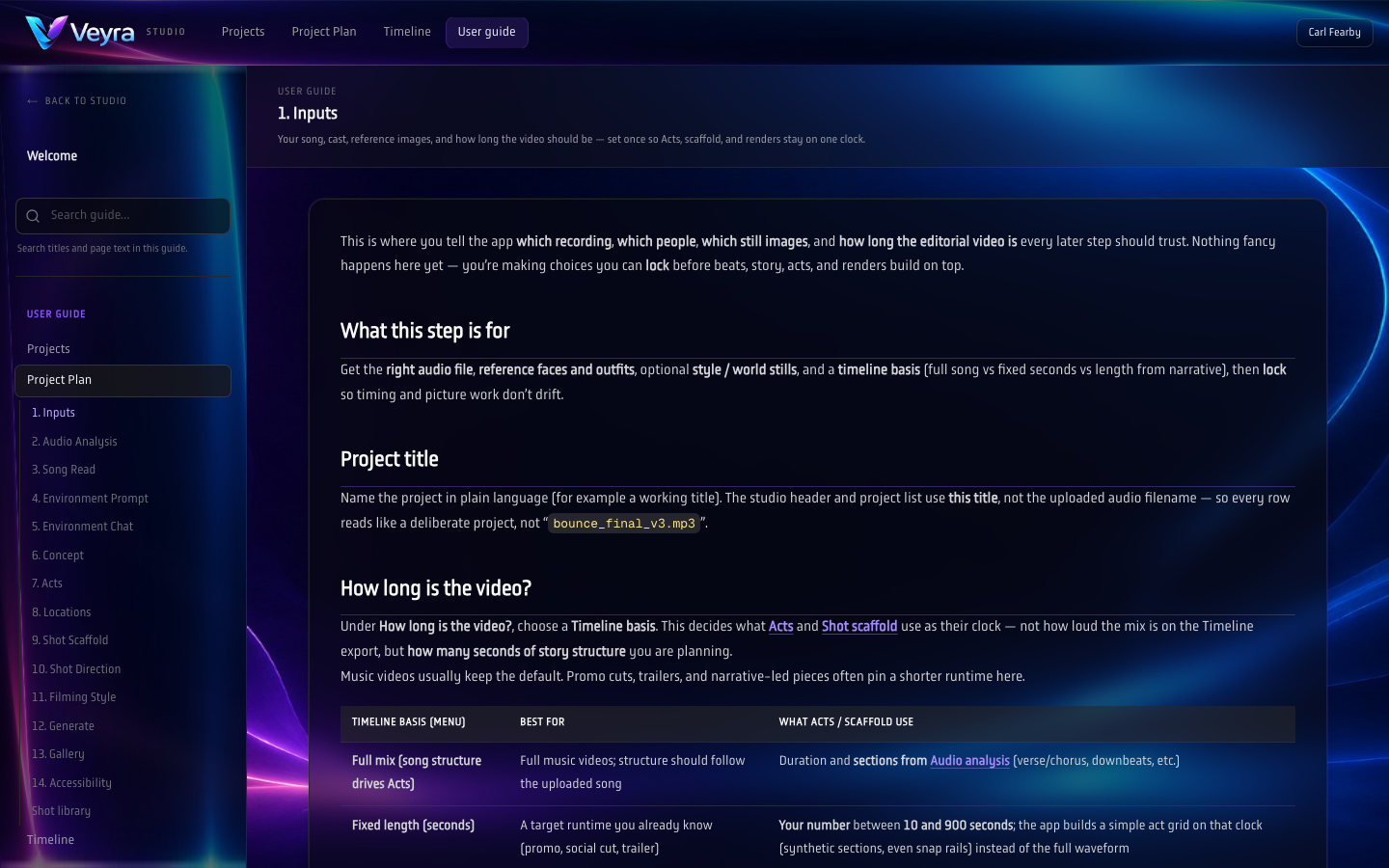
Lock the mastering pass, BPM, lyric sheet, references, then walk Project Plan stage-by-stage — not a single black-box prompt.
A quick walkthrough (real screen capture)
Beat-matched workspace capture: stills + storyboard grid, tied to the same project timeline.
Three ways teams use Veyra
Same product, different outcomes — depending on what you’re shipping and who needs to approve it.
Lock the beat grid, sketch a shot scaffold, generate stills and clips, then export lyric-forward review cuts for fast approvals.
Explore looks, iterate scenes quickly, and ship clean + subtitled review packs that clients can sign off without a long production cycle.
Test tone, blocking, and pacing before expensive shoot days. Use storyboard-style stills to align the whole team early.
Explore a visual range — keep one identity
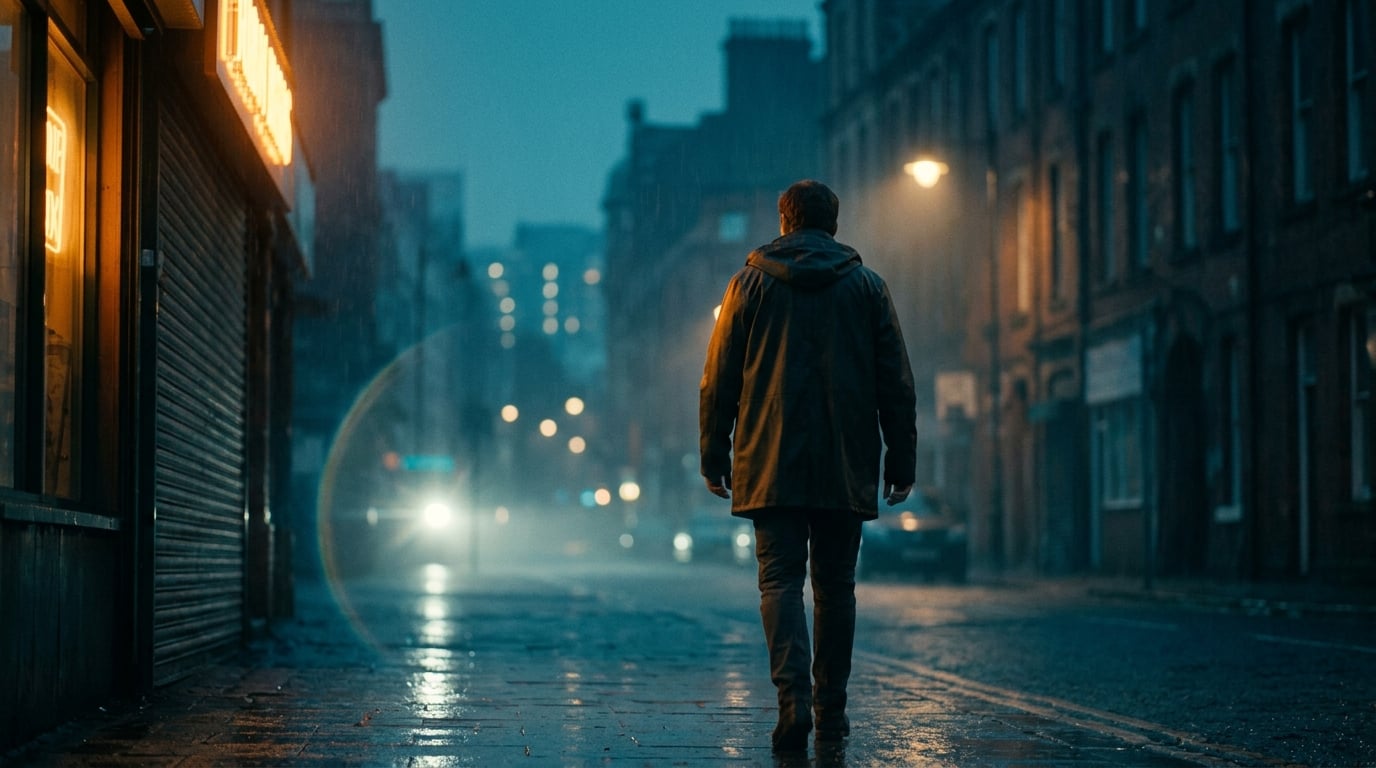
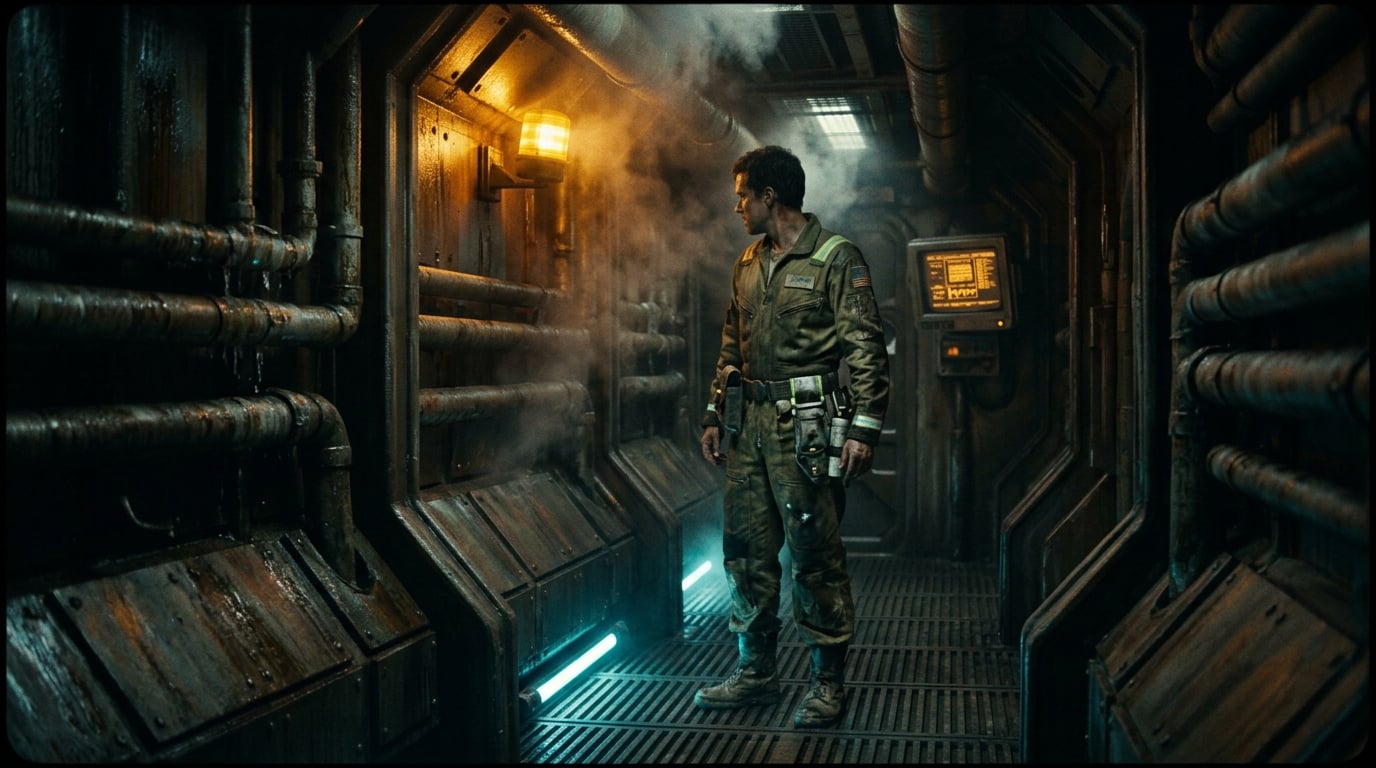
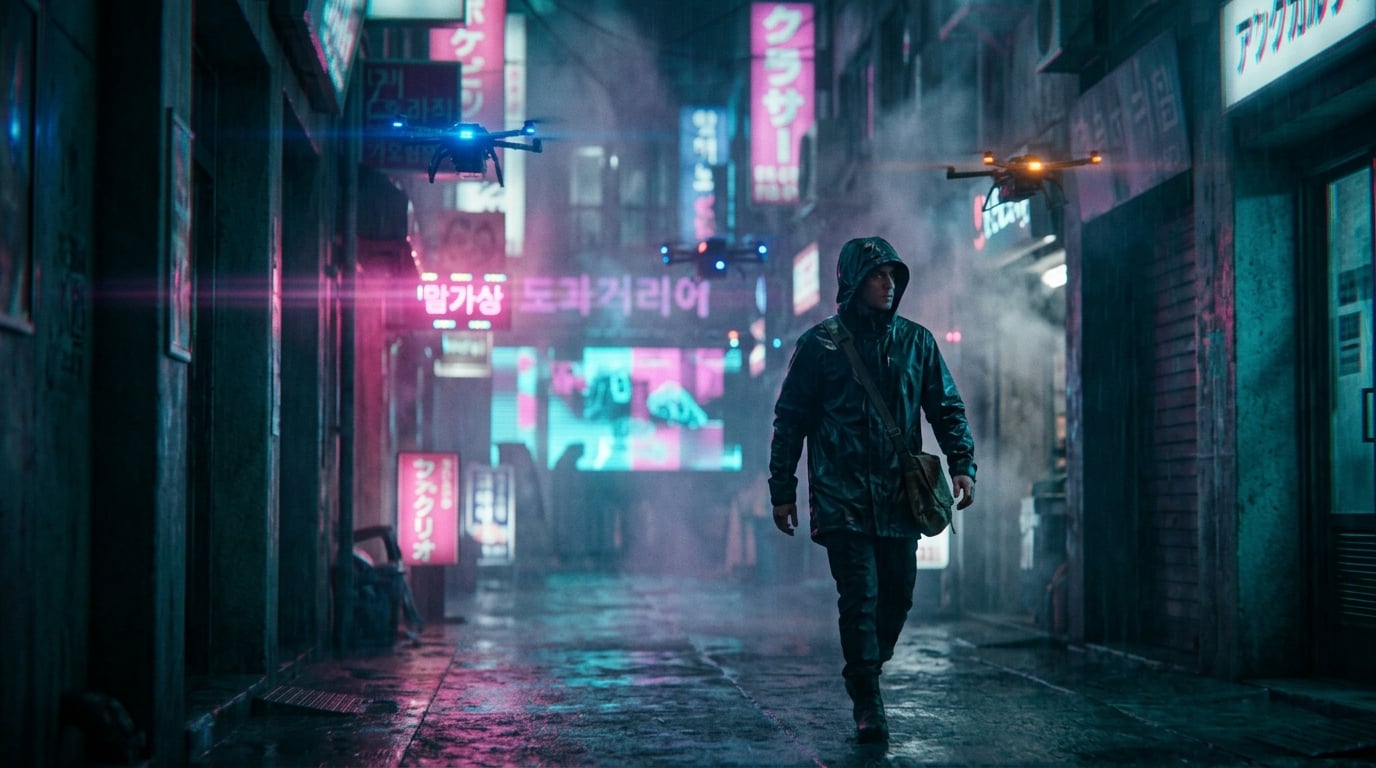
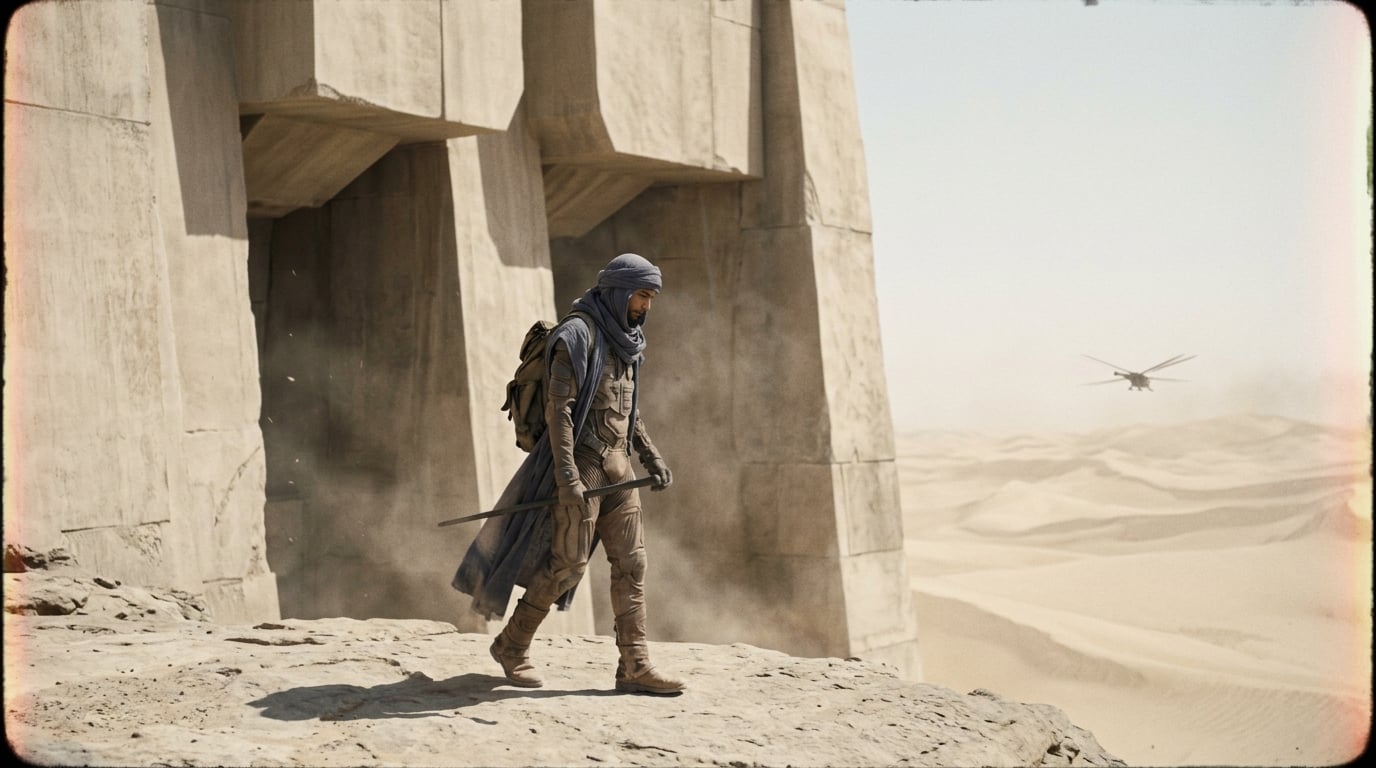
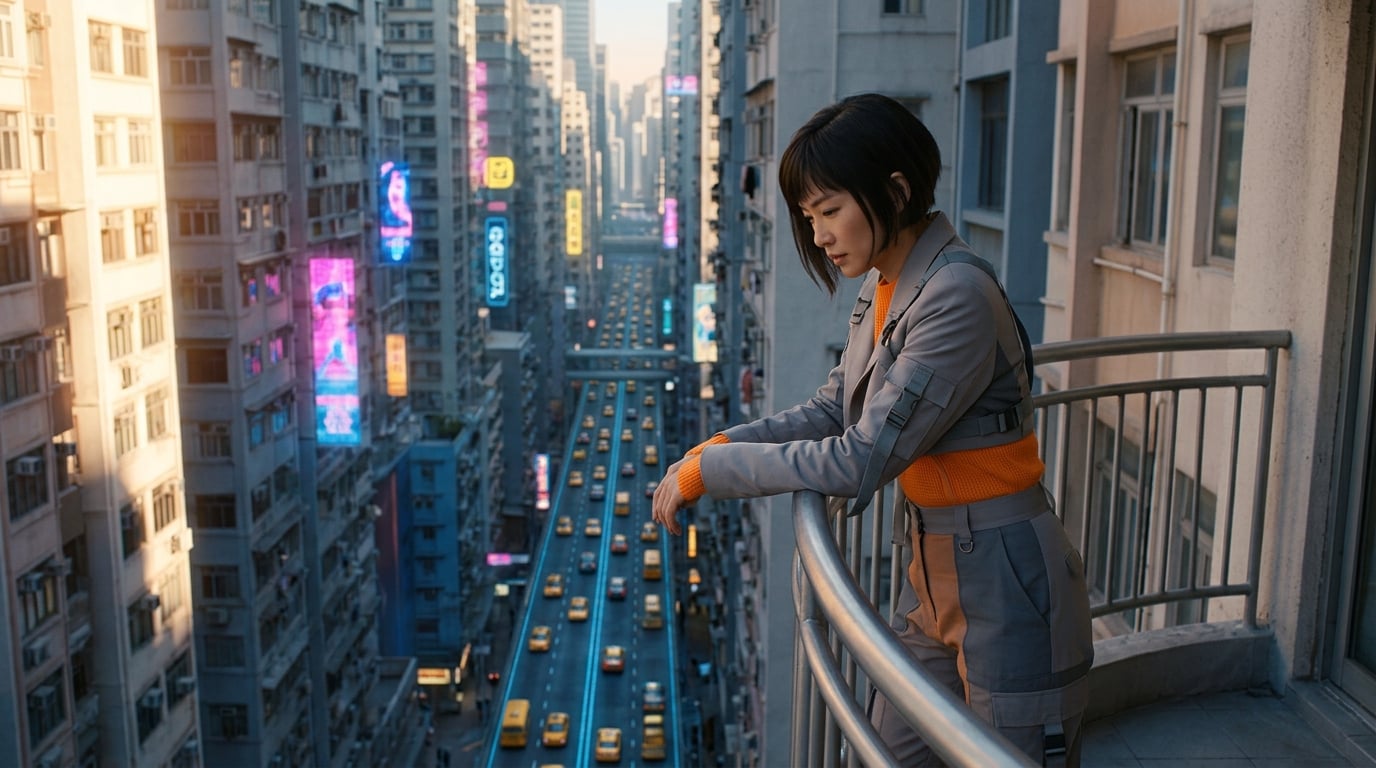
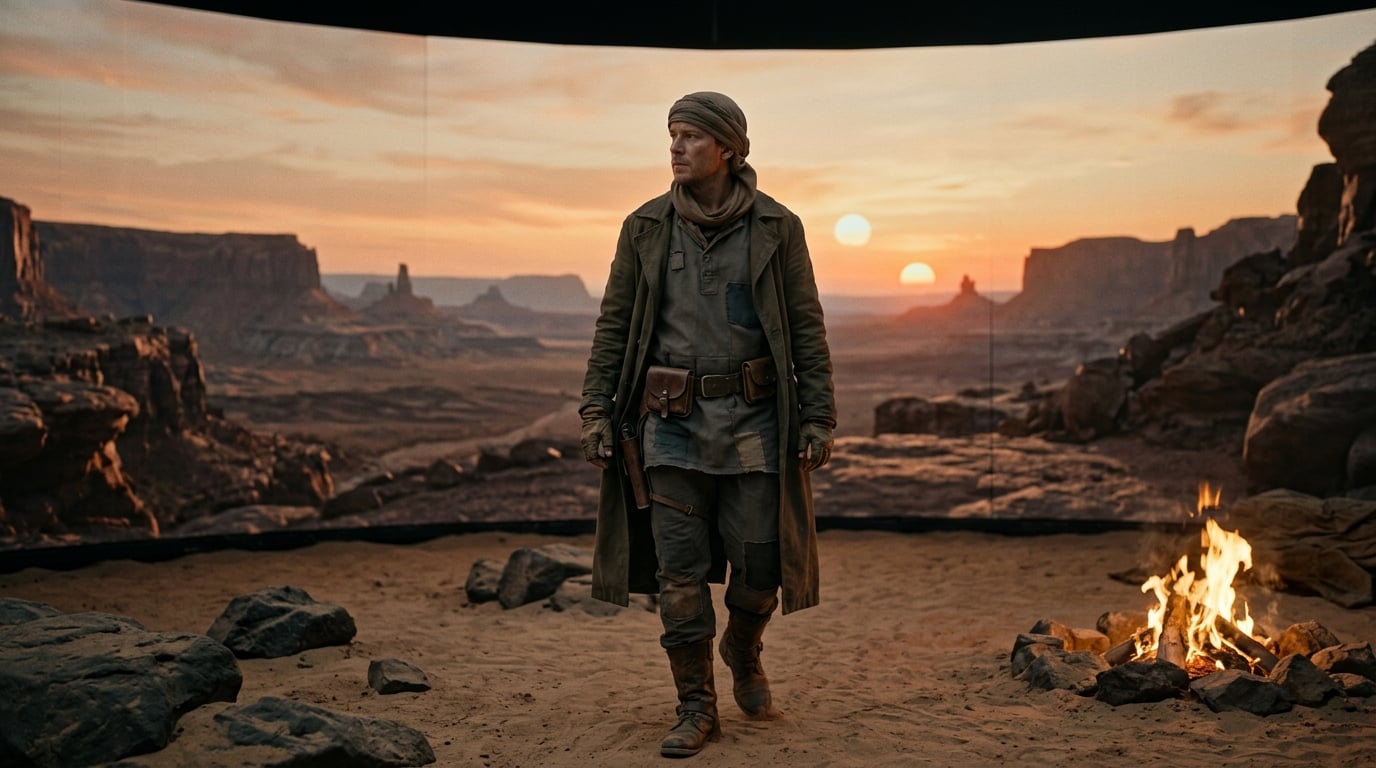
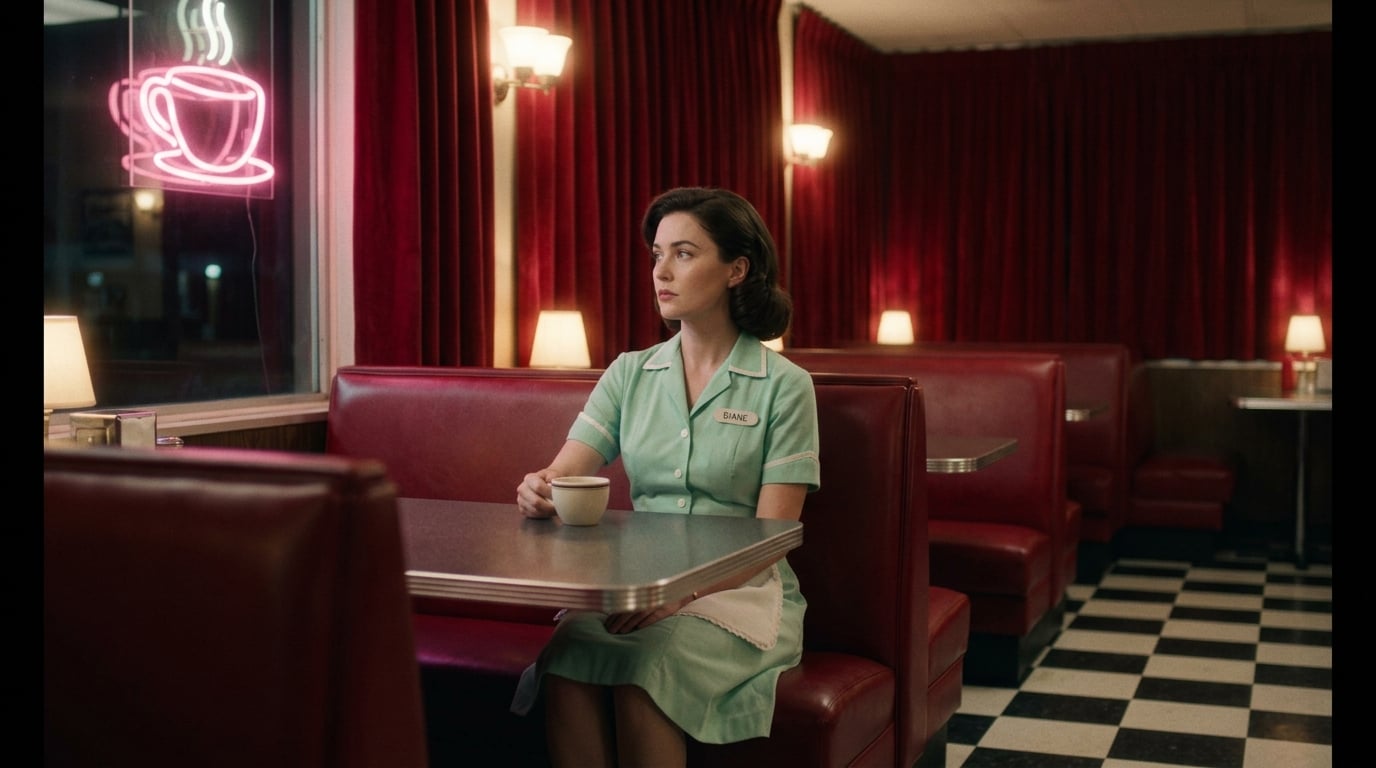
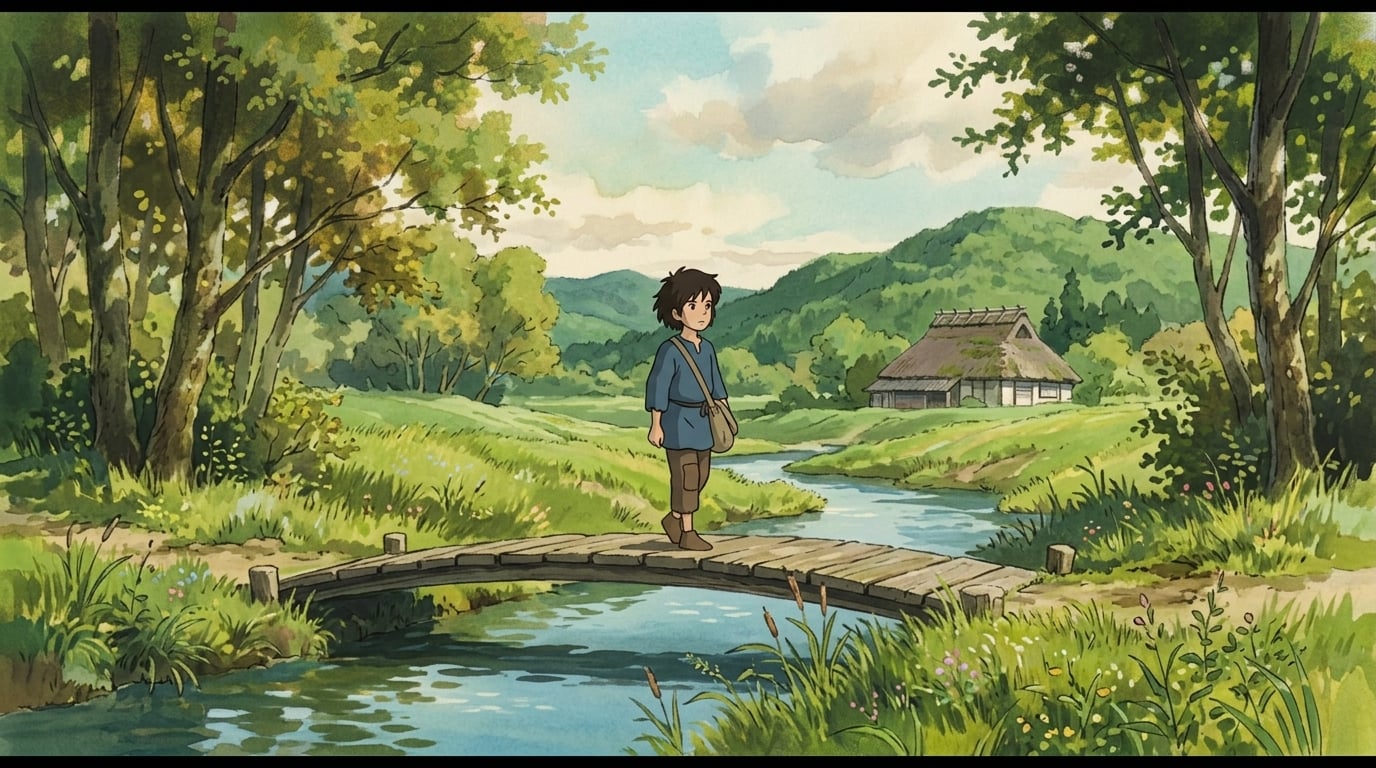
These are reference looks from the filming-style library — used to keep sequences coherent across shots.
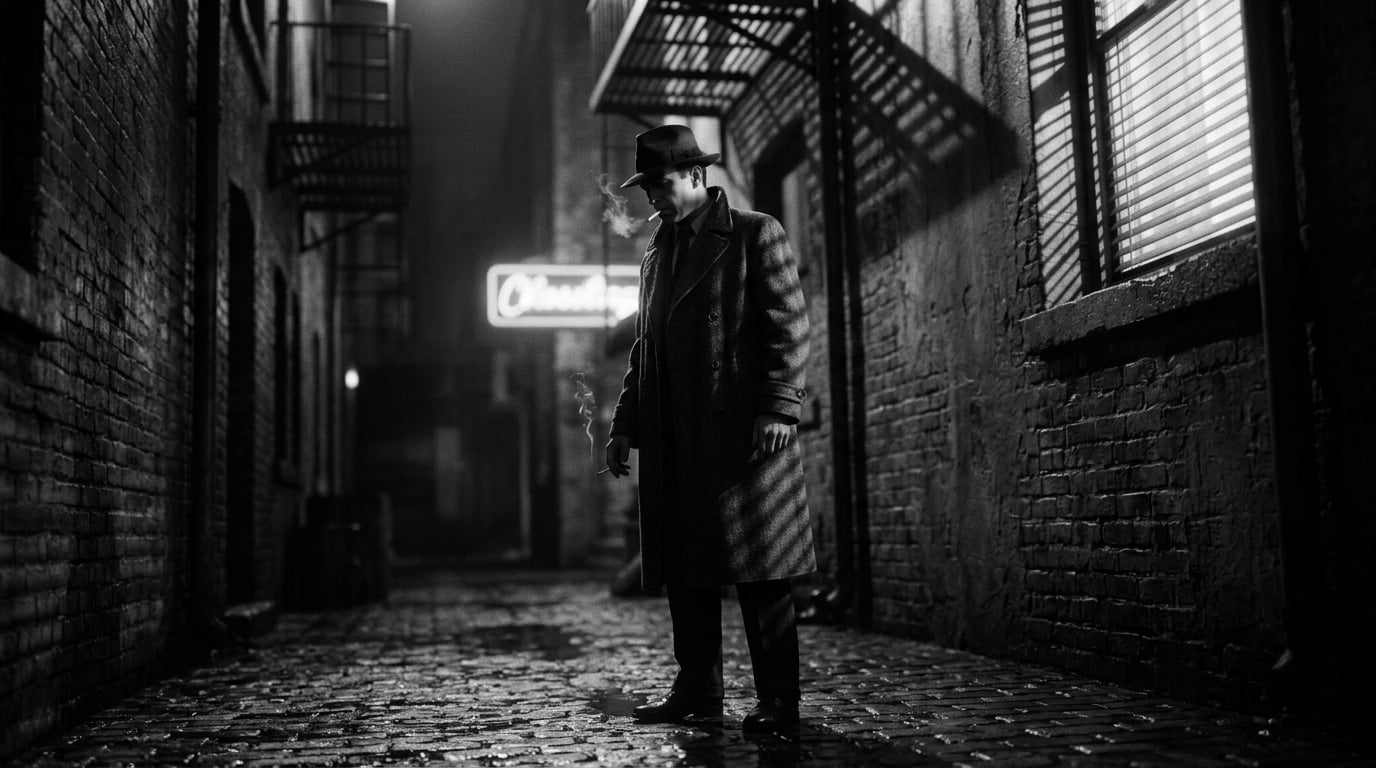
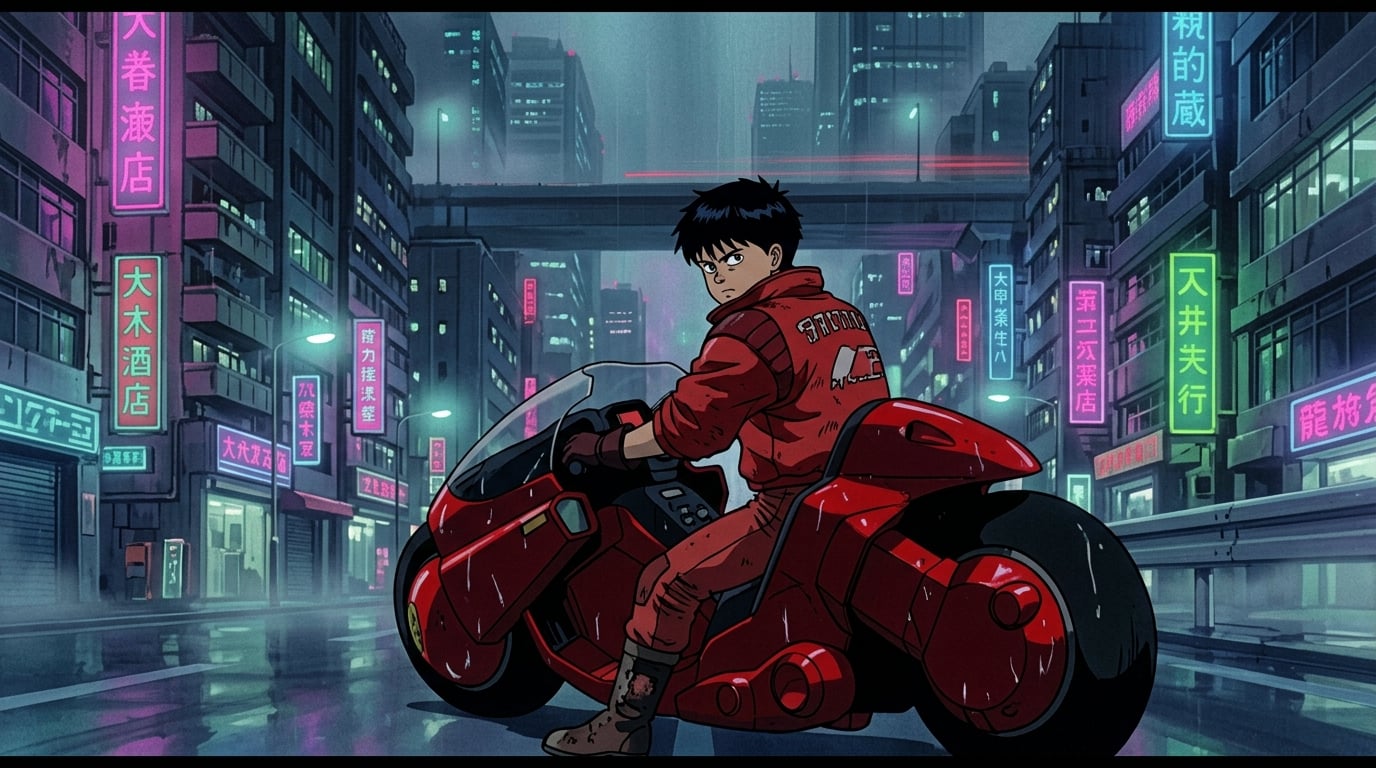
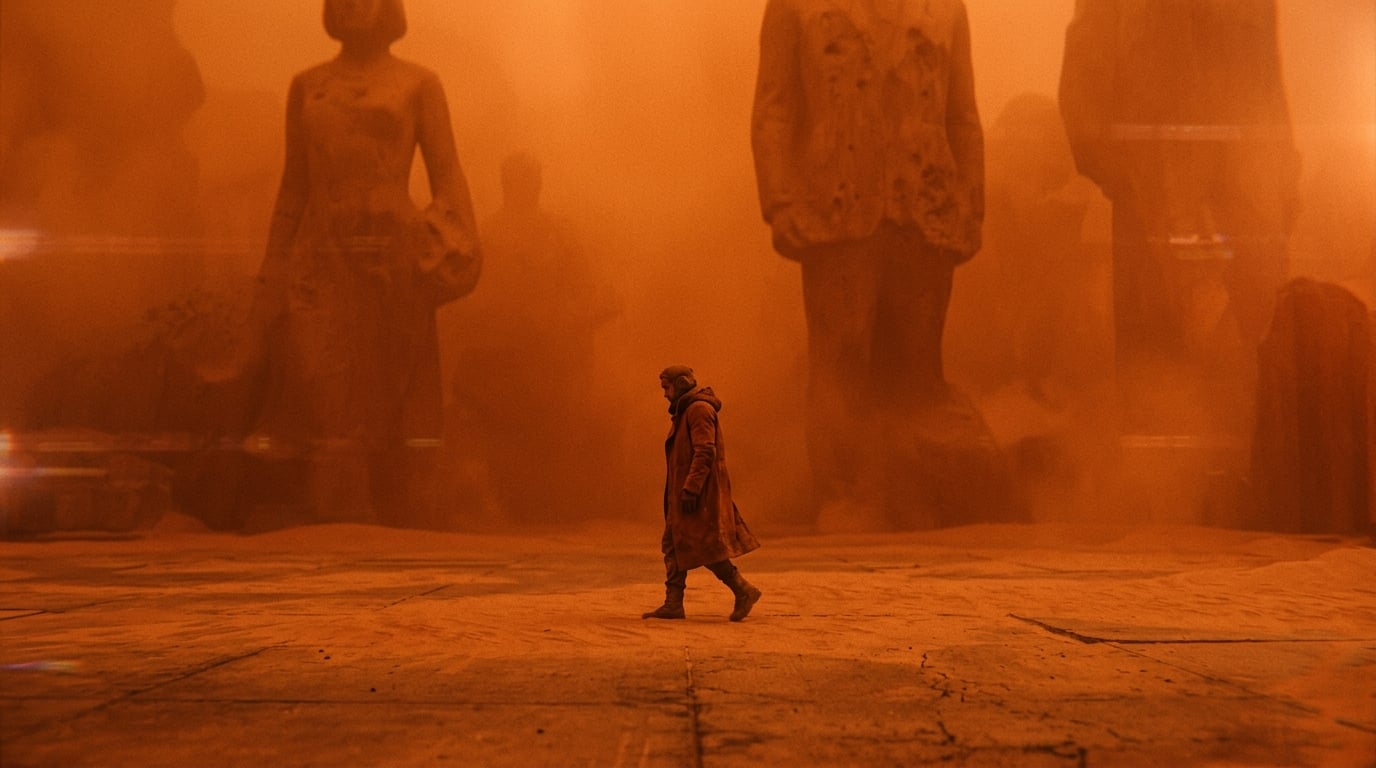
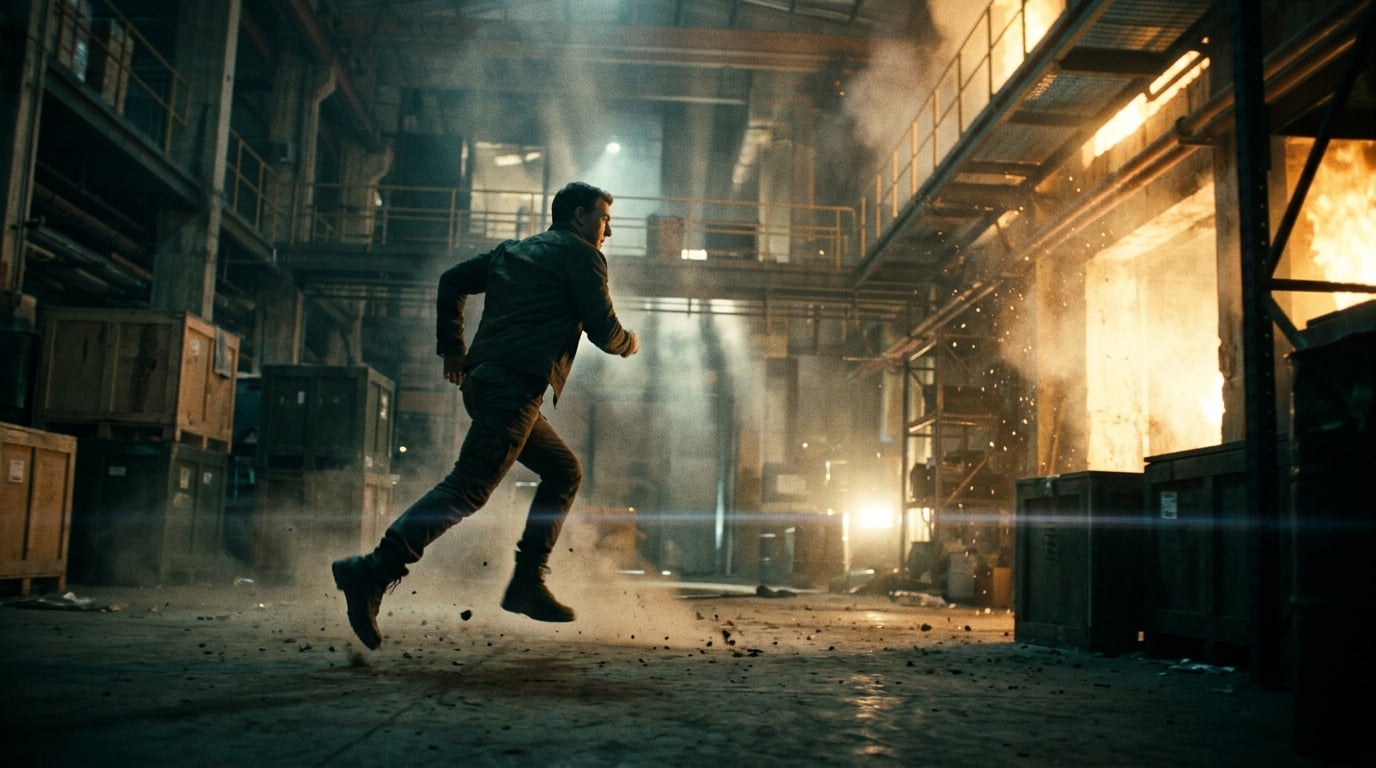
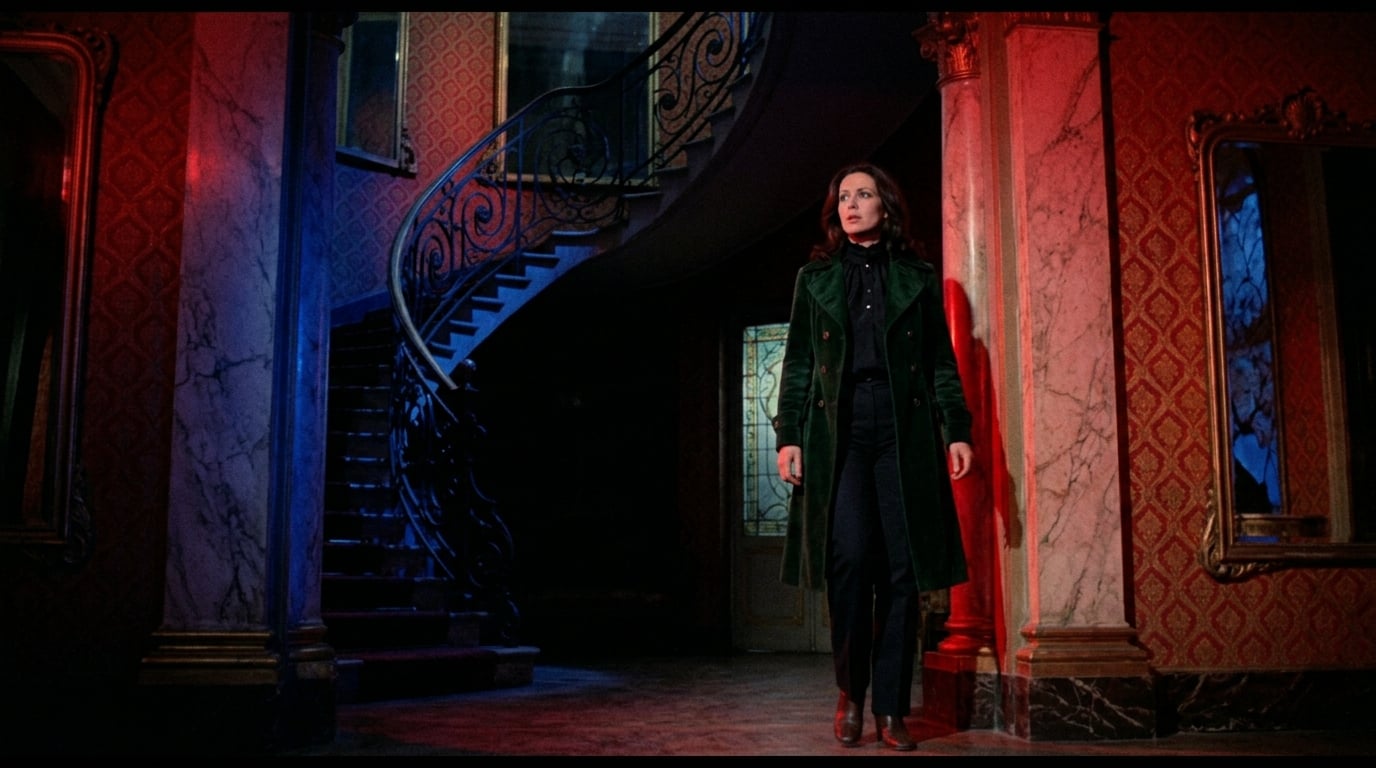
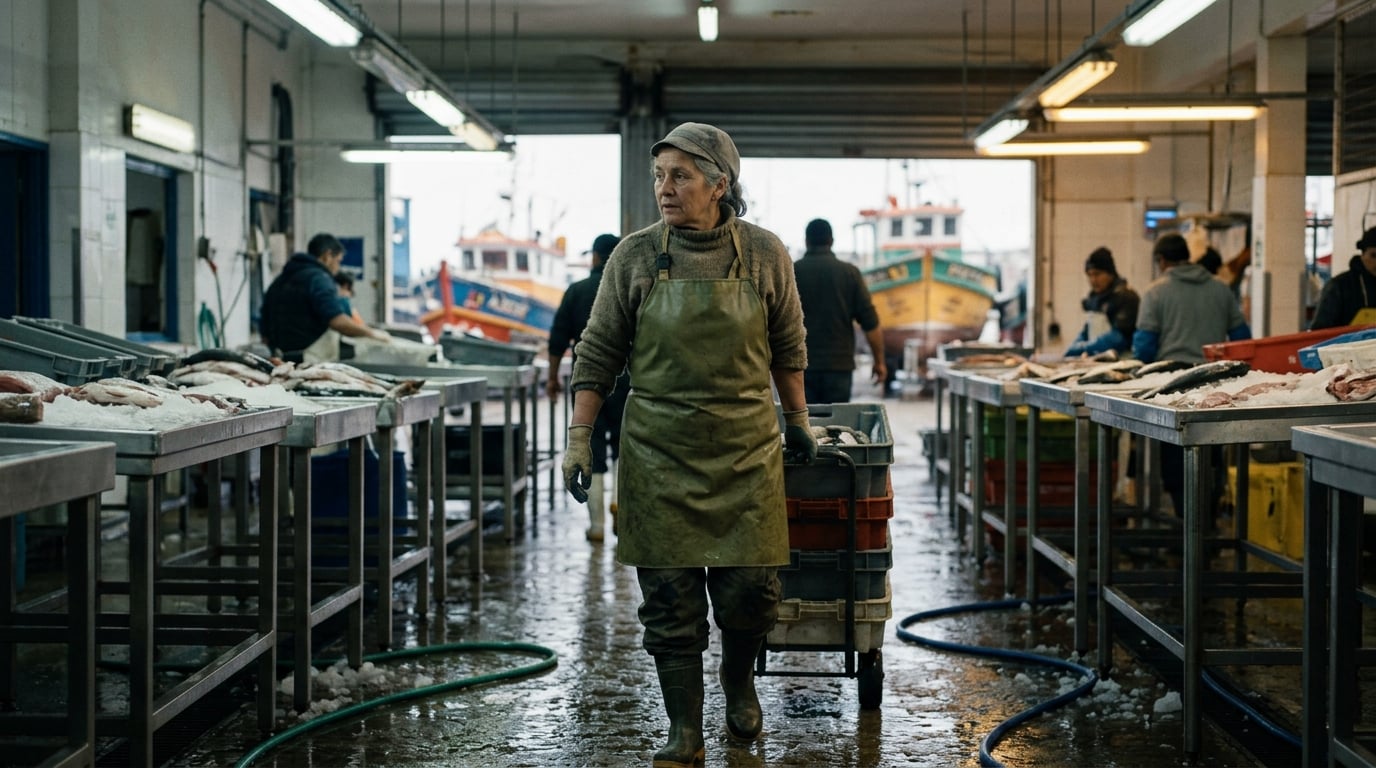
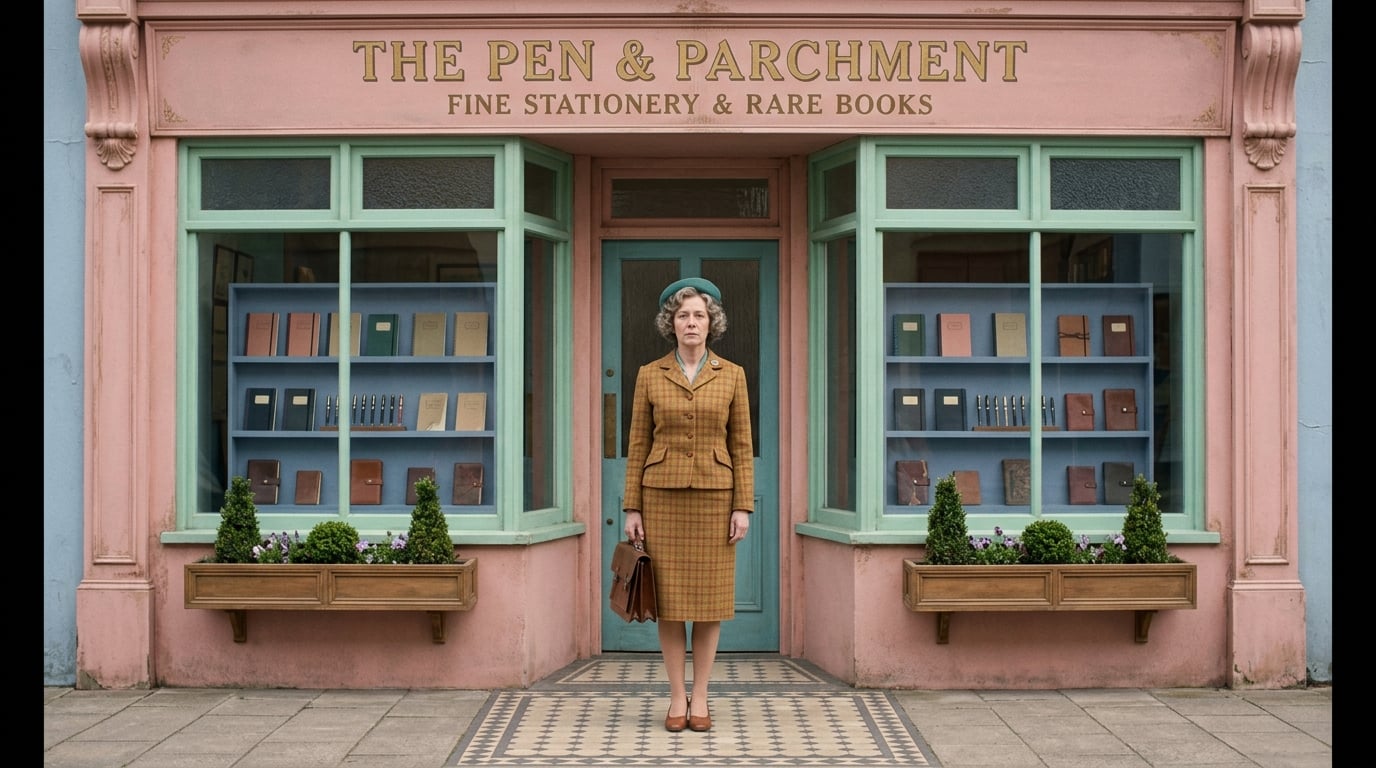
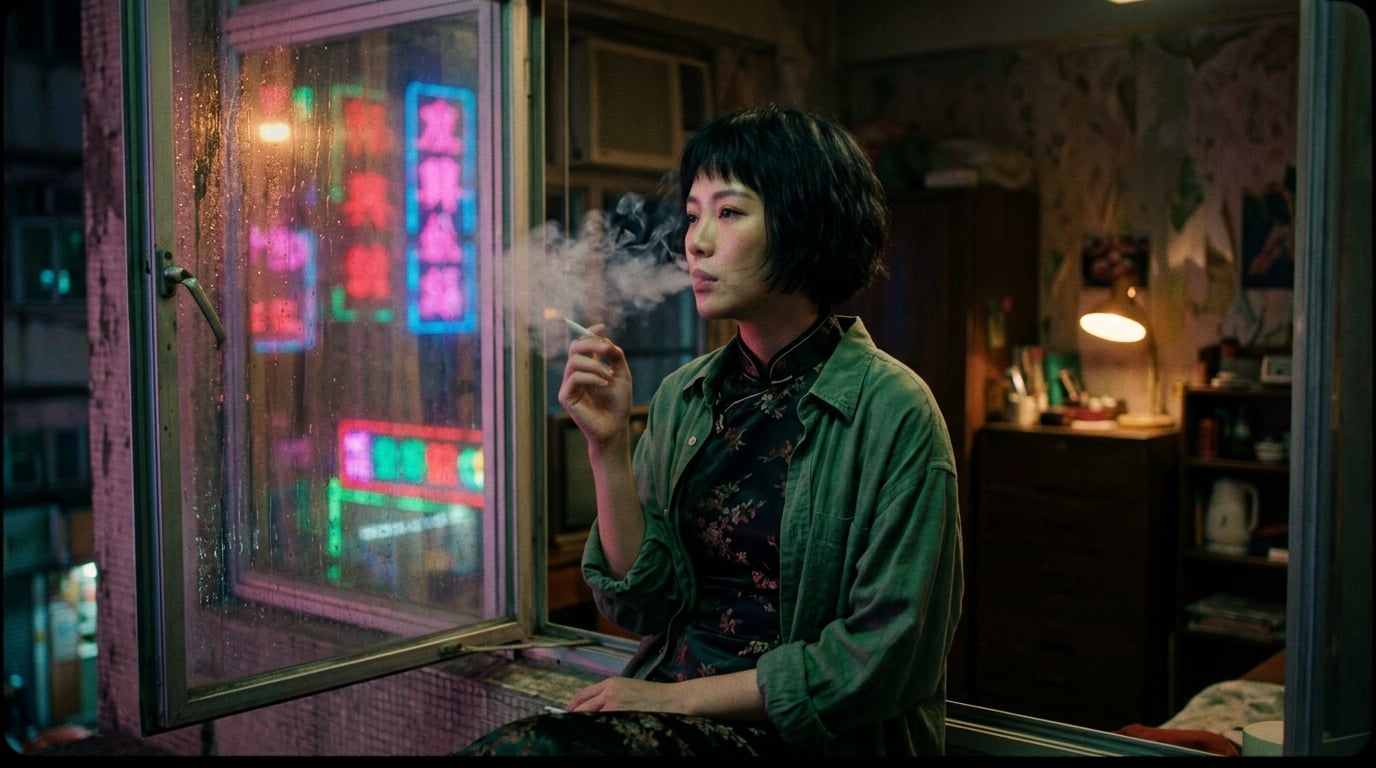
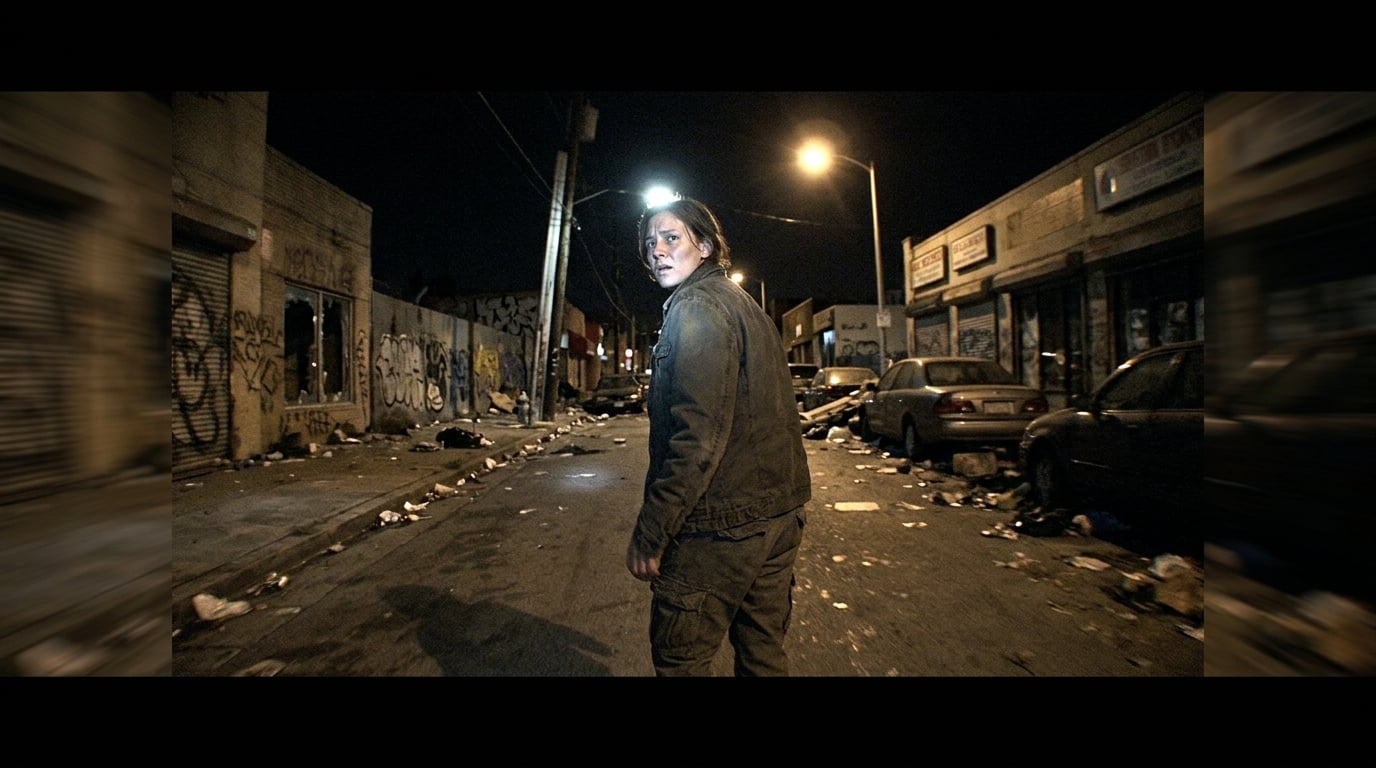
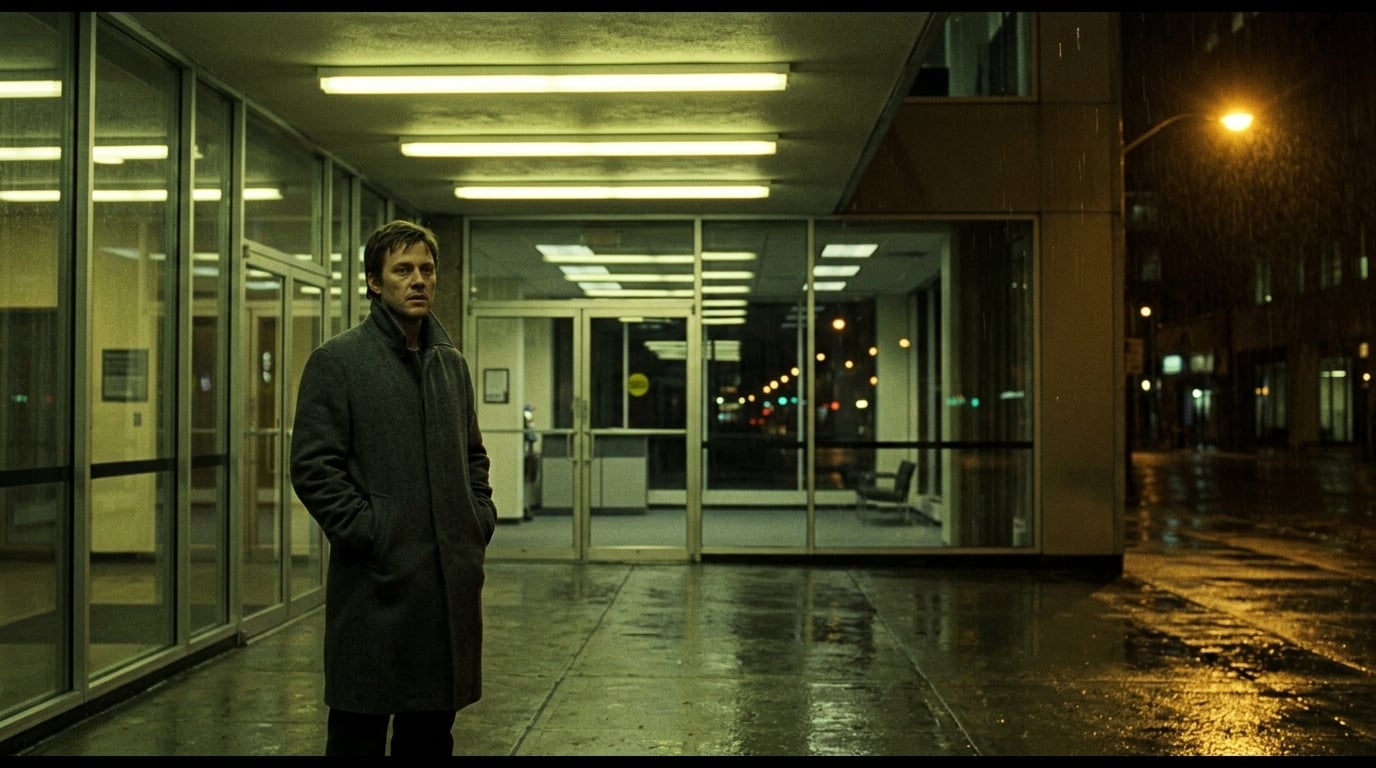
How filming styles, lenses, and camera language fit together
Filming style. A global “world look” you pick once. It nudges every still and video toward a coherent film grammar — palette, period, genre energy, and lens culture — so the same song doesn’t look like a random stock grab bag. It’s the umbrella; shot-by-shot choices (below) sit underneath it.
Framing & angle
Framing — From wide establishing through medium to close-up and insert — so each beat has the right amount of information on screen.
Camera angle — Eye level, low, high, dutch, POV, and more — the emotional read of the camera’s height and tilt relative to the subject.
Position in the space
Not “which lens” but *where the camera lives in the set*: inside looking out, from a mezzanine, through a window, at ground level, behind a foreground object, or reversed from the master. It’s the dial that keeps shots from all feeling like the same default wide from the doorway.
- ·Looking back into the space (reverse sightlines).
- ·Tucked behind a wall, pipe, or window — frame-within-a-frame.
- ·At the far end of the room — long-lens stack of layers.
Focal length (lens) classes
These are creative focal-length classes, not a camera shop menu — we use them the way a prep book does: to steer compression, depth, and what reads as “the shot” before anyone picks a real lens on set.
Click any still to open a full-size lightbox (Esc or outside click to close).
- Ultra-wide 14mmExtreme field of view — big environments, close to the action, strong perspective lines. Feels IMAX, architecture, and scale.
- Wide 24mmClassical “wide but natural” for masters and two-shots. Reads environment + body language without the ultra-wide bowing.
- Natural 35mmVersatile all-purpose focal length — a human default for dialogue and walk-and-talk, slightly wider than a bare eye view.
- Normal 50mmNeutral, intimate distance — a sweet spot for faces and for staying honest with the room.
- Portrait 85mmGentle compression, flattering faces, softer backgrounds. Where emotional close work usually lives.
- Short-tele 135mmStronger compression — the world stacks behind the subject, ideal for portraiture and “layered” urban backgrounds.
- Tele 200mmLong-lens look — small figure in a big world, or voyeur / surveillance read; also sports and end-of-dolly shots.
- MacroFor genuine inserts: eyes, hands, objects, details — not for normal coverage. Signals “cut in” in the edit.
AI-generated mood stills — creative focal-length classes match the shot scaffold lens field in the product.
Rig (support)
How the camera is held or mounted — separate from movement. Two shots can both be “static” and still feel very different on tripod vs shoulder.
- Locked tripodStable, considered — the default for a composed frame.
- Handheld shoulderHuman scale, immediacy, documentary breath. Can still be a held frame.
- SteadicamFloating, long takes, through-space travel without the harshness of raw handheld.
- GimbalSmooth, controlled motion through tight spaces; music-video and corridor energy.
- DollyPrecision toward or away from a subject on a line — a classic “production” read.
- SliderShort lateral or push moves on a small axis — often insert and product feel.
- Crane / jibVertical and sweeping arcs; reveals and “big” establishing moves.
- Drone / aerialScale, geography, and the impossible overhead — not a substitute for a master in a room.
- Car-mountStreaking backgrounds, night drives, and kinetic energy locked to a vehicle.
- Snorricam / body-rigFace-locked, world spinning — subjective and music-video specific.
AI-generated mood stills — rig labels match the shot scaffold whitelist.
Depth of field
Control how much of the world stays sharp — from deep staging to portrait bokeh, without redrawing the set.
- Deep focusForeground to background all readable — great for environment-first staging.
- Mid focusBalanced — you feel space without smearing everything when the focus pulls.
- Shallow f/2.8Cinematic separation; background soft but still situational.
- Ultra-shallow f/1.4Portrait and dream-state isolation — only a sliver of the world is tack-sharp.
- Split diopterTwo planes both sharp (foreground + background) — a deliberate optical story beat.
AI-generated mood stills — depth-of-field classes match the scaffold field in the product.
Movement
What the camera does in time — independent of rig. Paired with tripod vs handheld vs dolly, the same move can feel clinical or human. Below are the exact movement options in the shot scaffold, each with a quick music-video style example.
- staticHold the frame: a breath before the downbeat, a lock-off performance take, or letting lyrics land without camera dance.
- slow push inCreep toward the lead on the pre-chorus — intimacy building without a cut, classic emotional zoom-by-walking the lens.
- slow pull outReveal context as the bar ends — show the room, the crowd, or loss of isolation as the vocal opens up.
- slow pan leftTrace a line across a skyline, a stage edge, or a second character entering from the left of the world.
- slow pan rightFollow a walking performer, a car passing, or hand off attention across a widescreen set.
- tilt upLift from boots to face on a power stance, or climb a building facade in time with a riser.
- tilt downDrop from a hero wide to a prop or lyric object on the ground — a vertical reveal on a hit.
- handheld driftSubtle alive micro-motion in a live room: not a shake attack, just organic float behind the beat.
- tracking leftParallax past pillars, crowds, or neon as the artist moves on a line — side-on energy without orbiting all the way.
- tracking rightMirror tracking left for compositional balance or to match stage direction in a live performance block.
- crane upBig-festival scale: rise over heads, confetti, or a rooftop to sell the drop or outro lift.
- crane downLand from a god-wide into the human scale — useful for “the world shrinks to one person” moments.
- whip panHard accent on snare or chop — smash from face to environment or fake a continuity cheat on tempo.
- dolly zoomVertigo beat: hallway dread, chorus panic, or subjective warp — keep it sparse so it stays special.
- orbitCircle talent or a duo on the hook — center-stage music-video grammar when you want 360° fan energy.
- steadicam followLong walk-and-talk through corridors, backstage, or one-take choreography blocks glued to the performer.
AI-generated illustrative stills (same palette across the set) — meant as mood references, not literal shot breakdowns. Labels match the shot scaffold movement field in the product; pair with rig on each row.
133 filming-style presets — the same set as the product
These presets are the global film look. Per-shot you still get lens class, rig, depth of field, and movement—see the art direction section above. From prestige drama to neon sci-fi, pick one umbrella style and keep every generation on-brief.
70s Analog Sci-Fi
70s Grimy NYC
70s Slasher Grindhouse
80s John Hughes Teen
80s Synthwave
90s VHS Music Video
Action
Akira Neo-Tokyo
Alien Used-Future
Almodóvar Melodrama Pop
Anime-Inspired
Annihilation Shimmer
Ari Aster Dollhouse Horror
Arrival / First Contact
Barry Jenkins Pastel Intimacy
Battlestar Handheld Space
Black and White
Black Mirror Near-Future
Blade Runner Neon Noir
Bollywood / Indian Cinema
Bong Joon-ho Immaculate Satire
Carpenter Synth Dread
Cartoon
Chazelle Musical Technicolor
Cinematic
Coen Brothers Snow
Comic-Book Blockbuster
Coming-of-Age Indie
Concert Documentary
Cronenberg Body Horror
Cuarón Humanist Long-Take
Cyberpunk / Neon Future
Daylight Folk Horror
Del Toro Dark Fairy Tale
Documentary
Drug Trip / Hallucination
Dune Brutalist Desert
Edgar Wright Percussive Cuts
Eggers Period Naturalist
Epic Fantasy Quest
Fantasy
Film Noir / Art Noir
Fincher Clinical
French New Wave
Fury Road Chrome
German Expressionist Silent
Gerwig Barbie Pop
Ghibli Hand-Painted
Giallo / Operatic Horror
Gilliam Grotesque Dystopia
Gondry DIY Dreamscape
Graphic Novel High Contrast
Handheld / Found-Footage
Haneke Static Cruelty
Her Pastel Near-Future
Hitchcock Suspense
Horror
IMAX Epic
Inception Folding City
Industrial Torture Grime
J-Horror Dread
Jordan Peele Suburban Dread
K-Pop MV
Kaiju / Giant Monster
Kinetic Pop / Whip-Pan
Kubrick Symmetrical
Kurosawa Dynamic Period
Lanthimos Deadpan Absurd
LED Volume Virtual Production
Lightbot
Lived-In Space Opera
Lovecraftian Cosmic Horror
Lumière Actuality (1895)
Lynch Surreal Americana
Malick Whispered Wonder
Mann Digital Night-Noir
Matrix Green Code
Mecha / Pilot Cockpit
Mockumentary Sitcom
Modern Haunted House
Movie Musical
Neon Choreographed Action
Nolan IMAX Blockbuster
Nordic Noir
One-Take / Continuous
Orange Dust Wasteland
Park Chan-wook Baroque
Period Drama
Pixar 3D Family
Pop-Future Megacity
Post-Apocalyptic / Wasteland
Practical Creature Horror
Predator Jungle Thermal
PT Anderson Americana
Pulp Adventure Serial
Realist Alien Slum
Realistic
Refn Neon Stillness
Retrofuturist Atomic Age
Roman Sword & Sandal Epic
Rotoscope Animation
Screenlife / Phone Cinema
Shinkai Atmospheric Anime
Silent-Era Slapstick
Sleek Spy Thriller
Slow Cinema / Tarkovsky
Sofia Coppola Dream
Space Opera / Cosmic
Spaghetti Western
Spider-Verse Comic Panel
Spielberg Wonder
Spike Lee Brooklyn
Steampunk Victorian
Stop-Motion / Claymation
Suburban Retro Dread
Sun-Baked Southern Slaughter
Sunshine Solar Corona
Surreal / Dreamlike
Tarantino Pulp
Tarkovsky Slow Sacred
Terminator Machine War
TikTok Vertical Phone
Tim Burton Gothic
Train-Carriage Sci-Fi
Tron Grid Digital
Utopian Future Bridge
Verhoeven Satirical Violence
Vintage / Retro
War / Combat
Wes Anderson Tableau
Western / Sun-Bleached
Wong Kar-wai Neon Longing
Woo Bullet Ballet
Visual production is becoming software
Generative tools are powerful — but without workflow, teams drown in versions, drift, and approvals chaos. Veyra focuses on the missing layer: direction-first planning, model routing, and exportable deliverables that fit how real projects ship.
Built for shots, beats, and approvals
The goal isn’t a novelty generator — it’s a production workspace that helps teams make better decisions earlier. If your work lives in shots, beats, and review loops, you’re the audience we’re building for.
Turn “maybe” into approvals.
Reduce creative churn with consistent, reviewable visuals. Get to confident decisions earlier—before schedules, crews, and budgets lock.
Ready to ship better visuals—faster?
Request access or book a demo. We’ll get you from first frame to approved direction quickly.
New workflows, models, and export improvements. One email when it’s worth your time.